Description
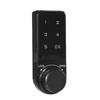
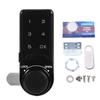
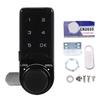
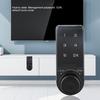
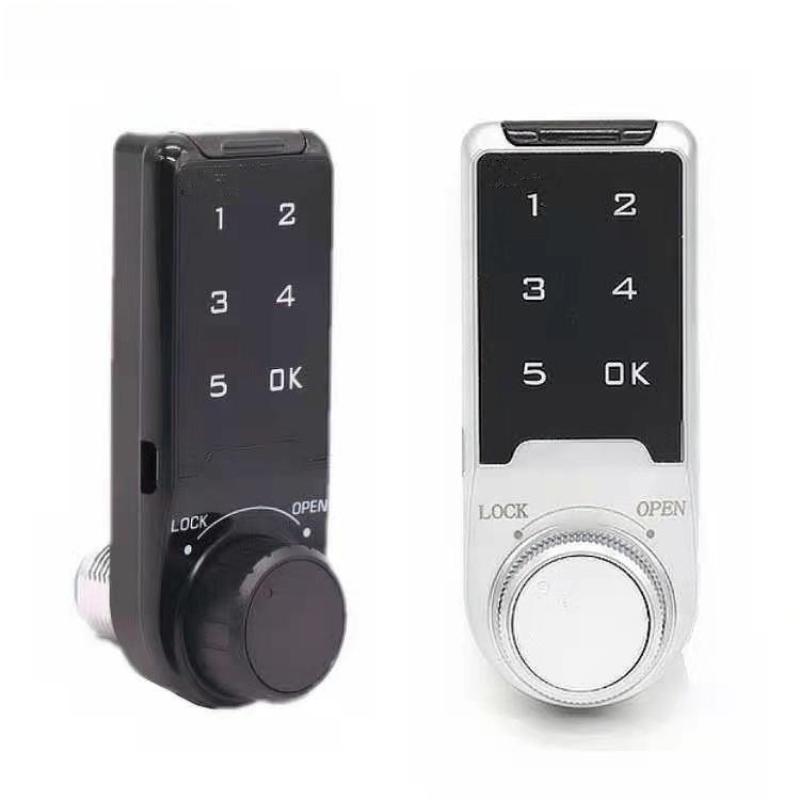
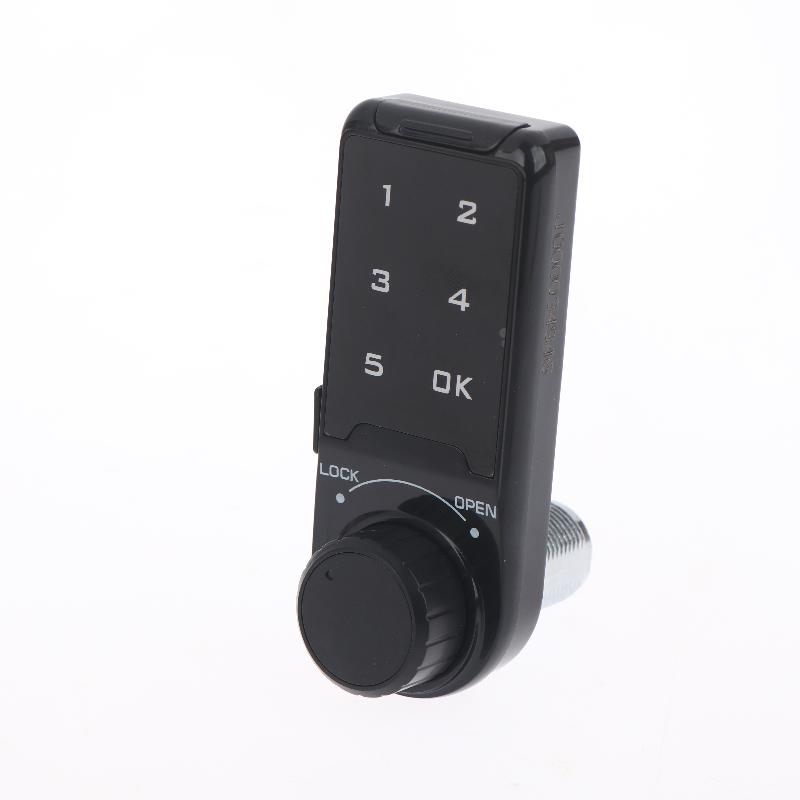
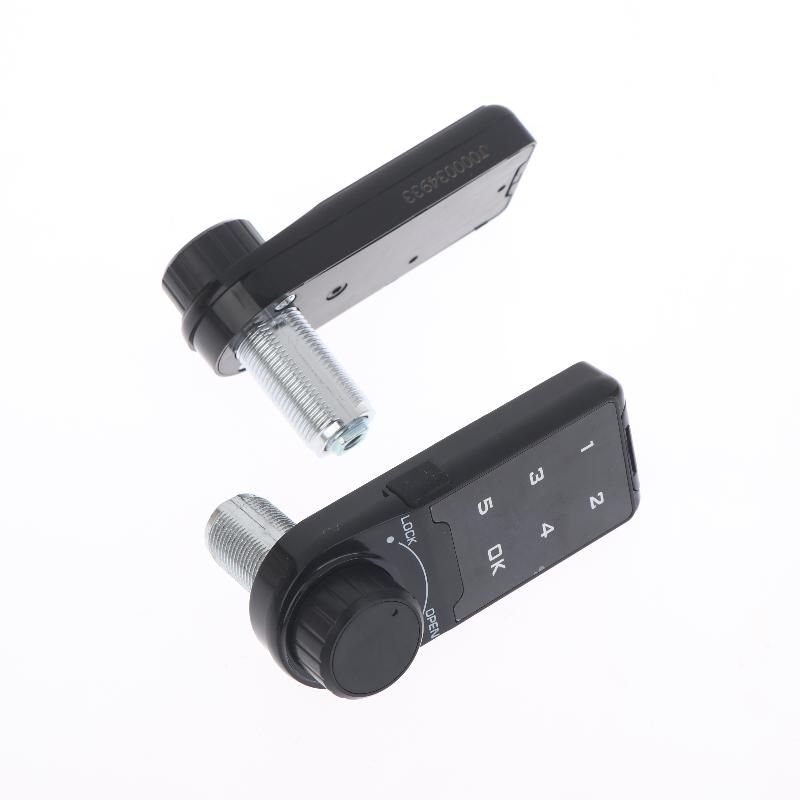
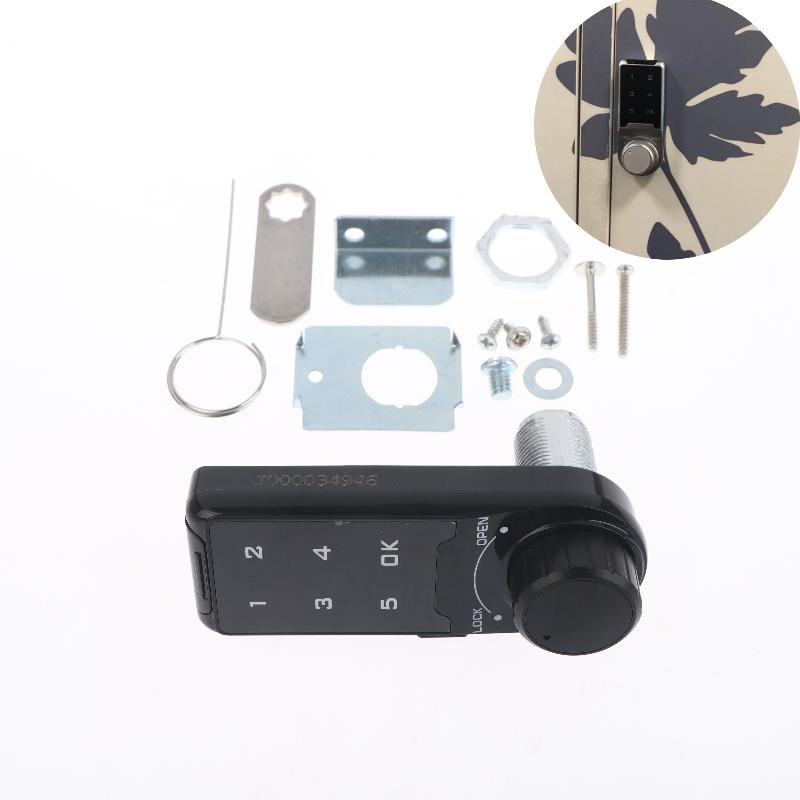
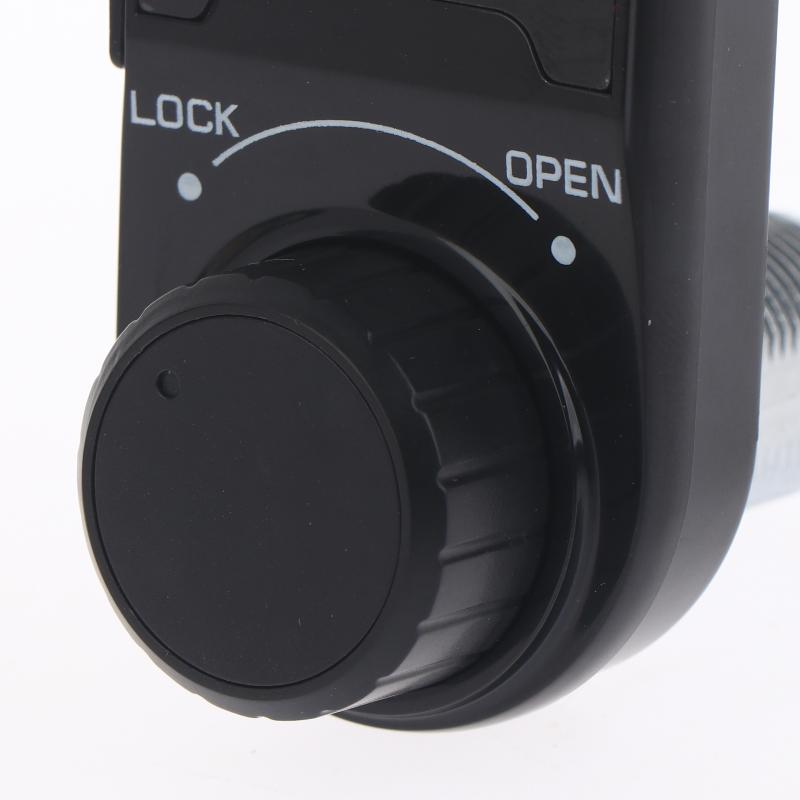
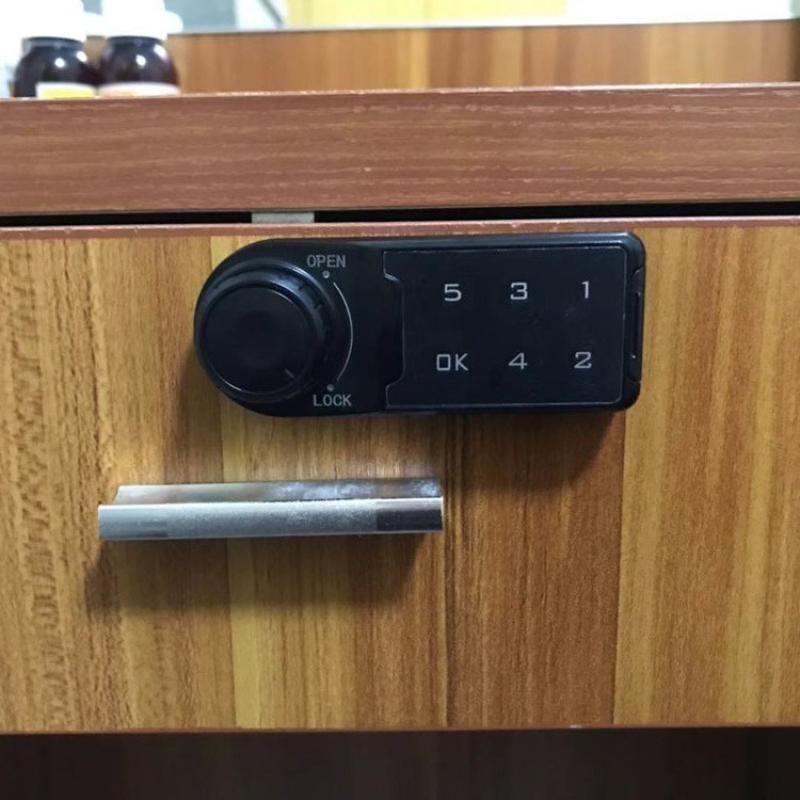
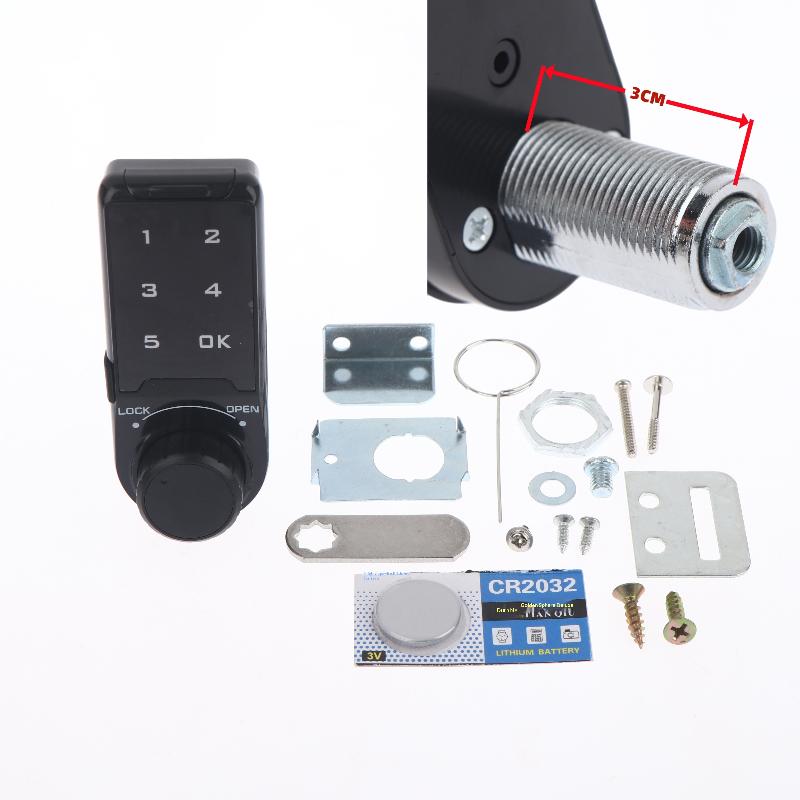
Touch Keypad Password Key Access Lock Digital Electronic Security Cabinet Coded Locker
Features:
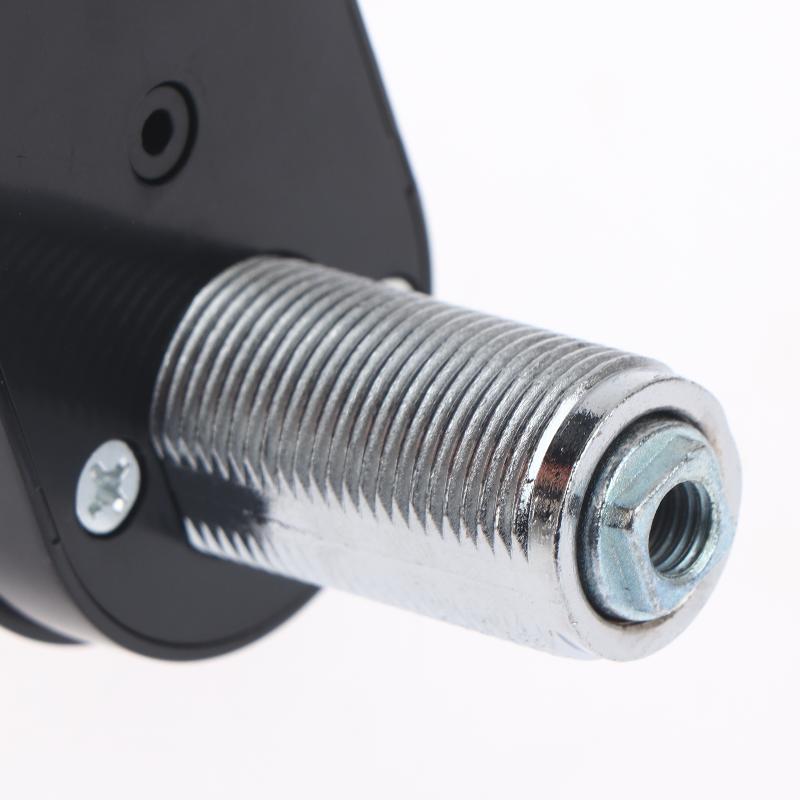
Made of high-quality materials, strong, accuracy, safe and durable.
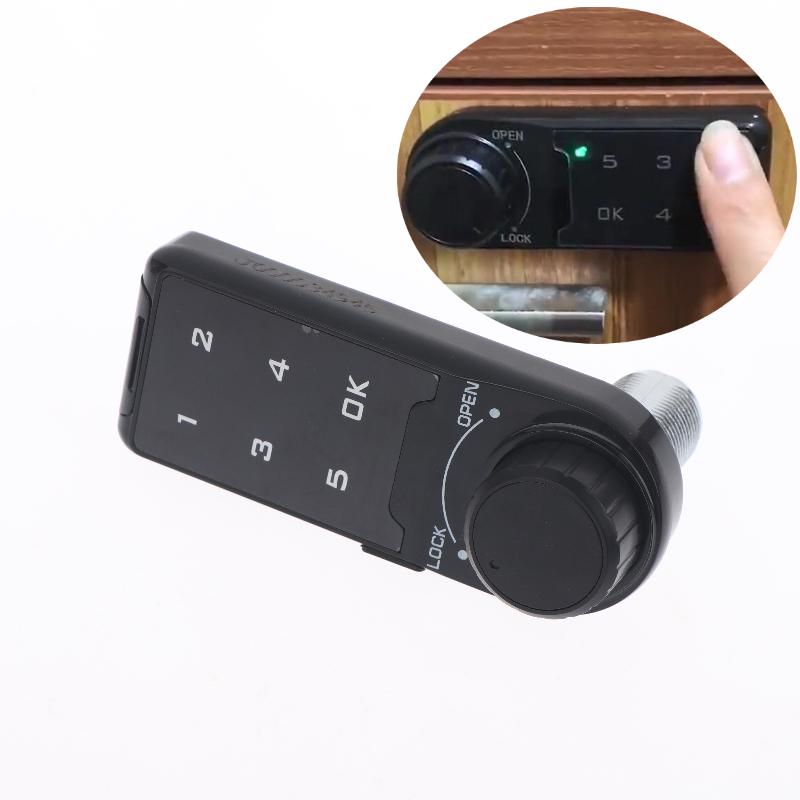
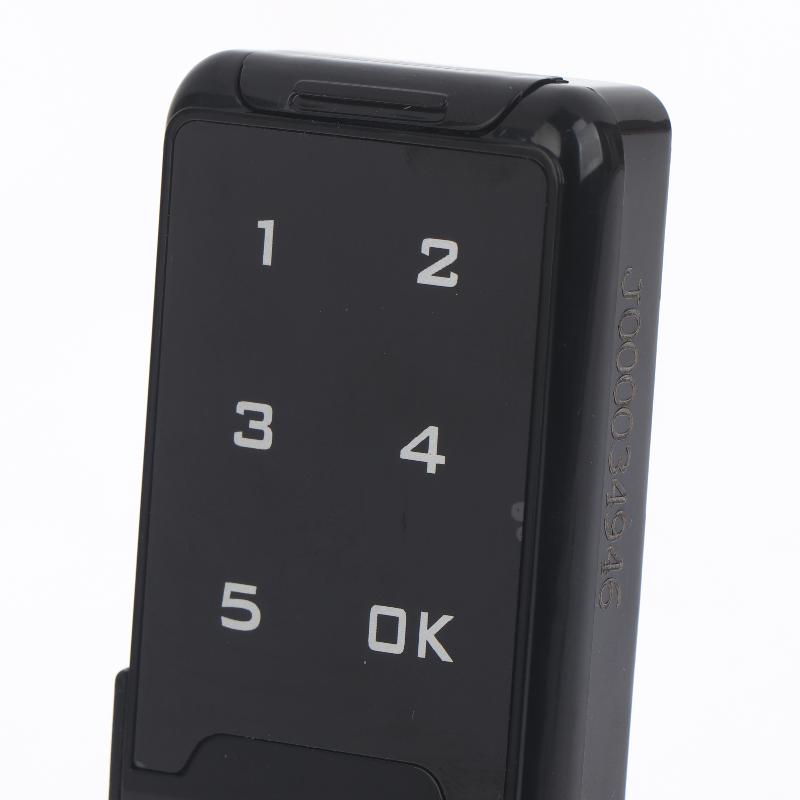
Touch keypad password lock, no keys needed. Cool to use.
Factory state: Management password: 1234, default home mode, When lock is unlocked, the indicator light will be on, and if the password is wrong, it will sound "DI DI DI" three times.
Brief appearance, compact design, exquisite and accuracy workmanship.
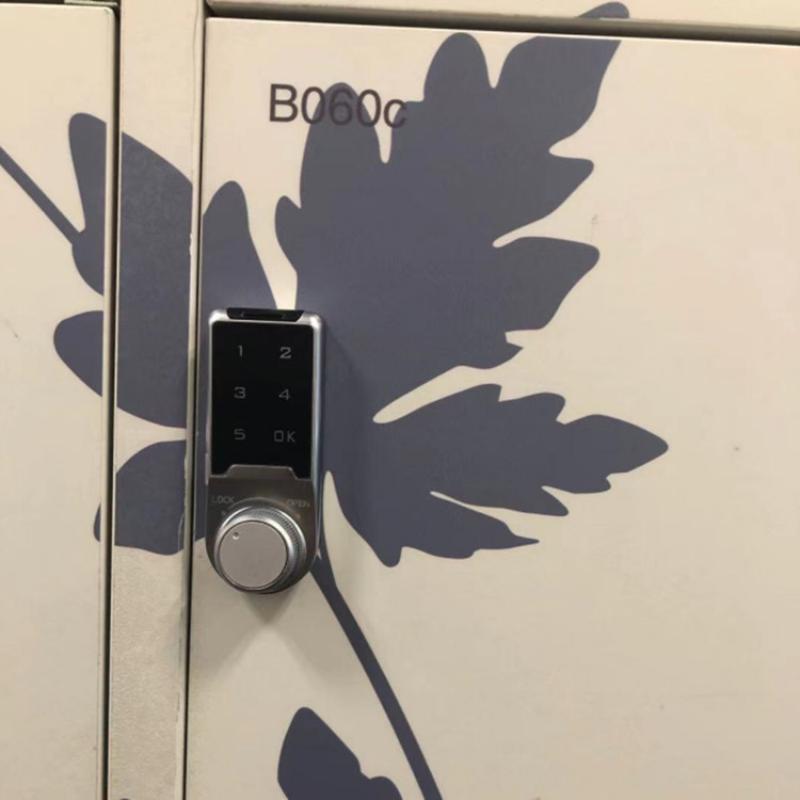
Applicable to agent, school, SPA/sauna bath center, swimming pool, gymnasium,golf course, supermarket, hotel, company, factory, household, business clue etc.
Specification:
Material: Plastic+Metal
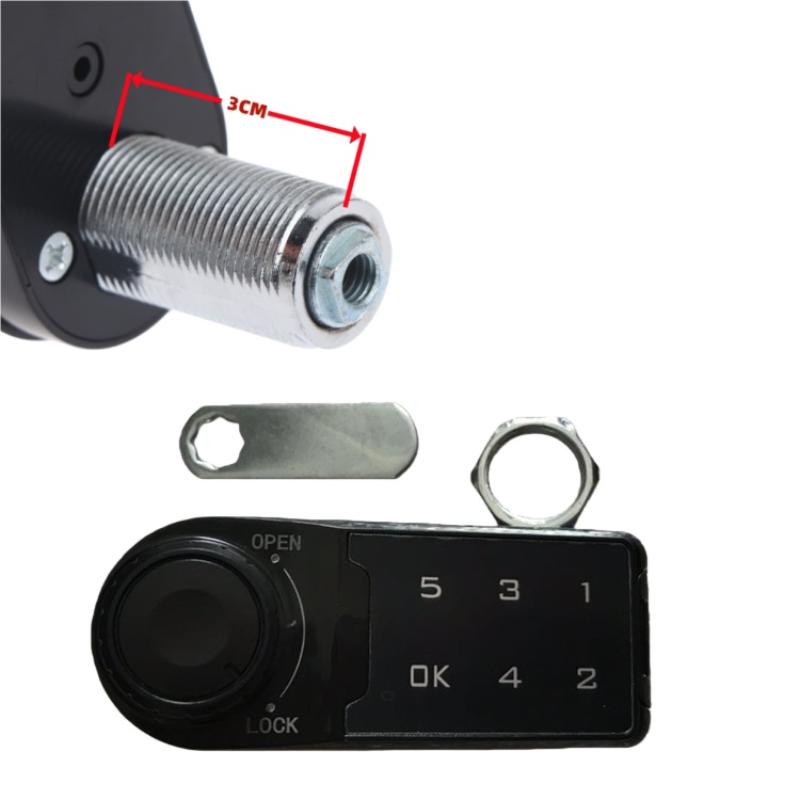
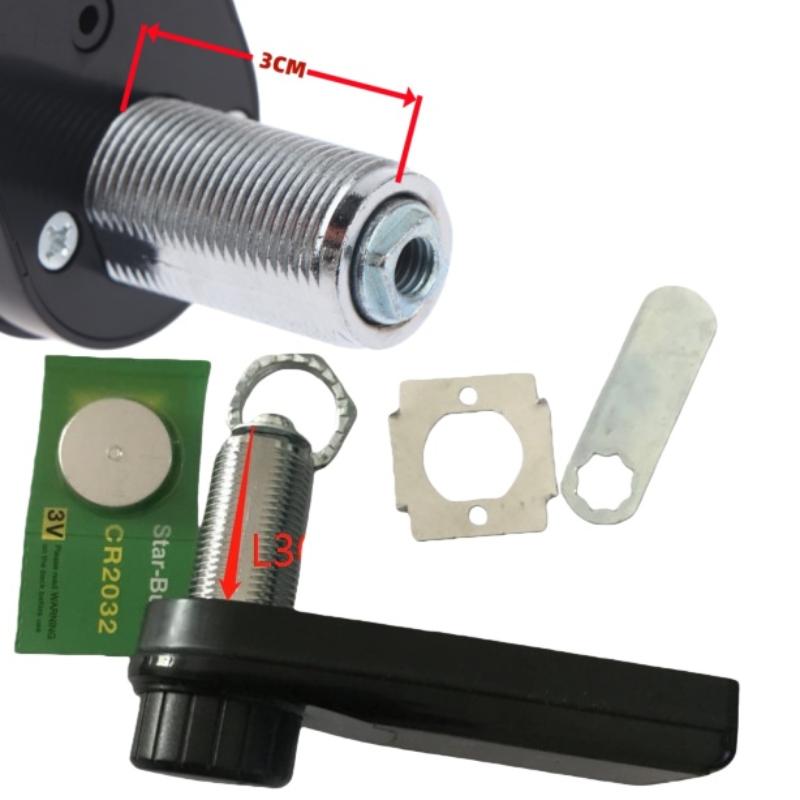
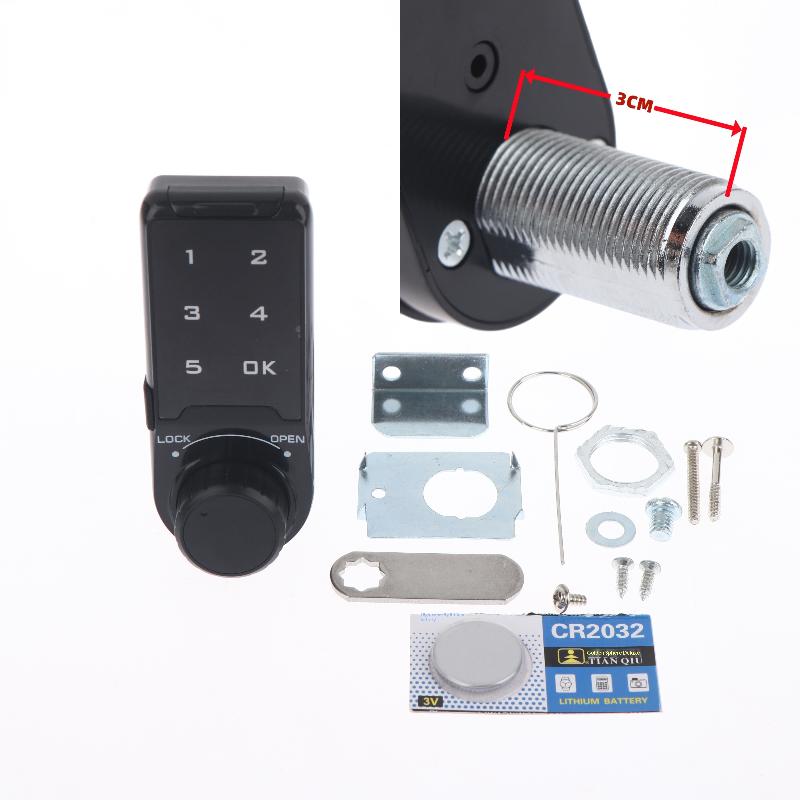
Maximum installation thickness: L = 20mm, L = 30mm (Optional)
Battery: 3V button cell (CR2032)
Size: 92.5 x 37.2 x 14.5 mm / 3.64 x 1.46 x 0.57 inch (appr.)
Package List:
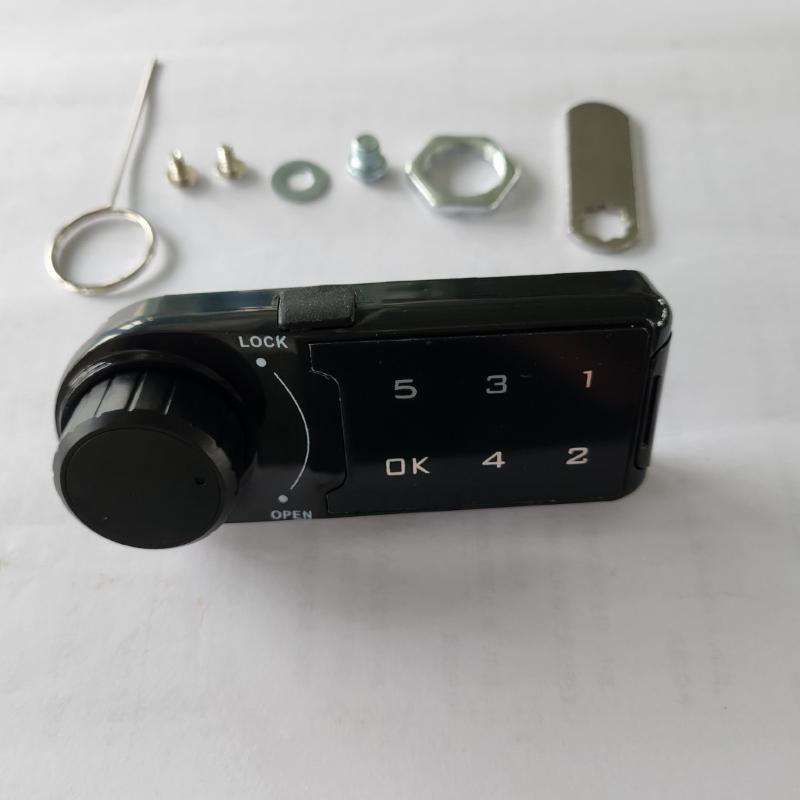
1 Set Code Security Lock
Instructions:
Enable public mode
1. Enter the correct management password "****+OK" key, the buzzer "di..." a long beep, the unlocking light is always on.
2. Press the OK button again for more than 2 seconds, the lock flashes, press the OK button again.
3. Enter the numbers "4, 4" and press the "OK" button, "di .." a long beep.
Set temporary password
1. Press the OK button, the unlock indicator flashes.
2. Enter the 4~15 password to be set.
3. Press the OK button, the buzzer will beep for a long time, and the lock will be opened and stored. The temporary password is set successfully. After entering the standby state, the light of the electronic lock will flash every 3 seconds.
*The temporary password can only be used effectively once, and it will automatically become invalid after use.
Turn off public mode
1. Enter the correct management password "+OK" key buzzer "di..." a long beep, the unlocking light is always on.
2. Press the "OK" button again for more than 2 seconds, the lock flashes, press the OK button again.
3. Enter the numbers "4, 3" and press the "OK" button, a long beep "di...".
Enable and disable false password function
1. Enter the correct management password, "OK" button, the buzzer "di..." a long beep, the unlocking light is always on.
2. Press and hold the OK button again for more than 2 seconds to flash, press the OK button again.
3. Enable input "4, 2" and press the "OK" button, "di..." a long beep. Close the input "4, 1" and press the "OK" key "Beep .." a long beep.
When the fake password function is enabled, when entering the password, you can enter garbled codes before and after the correct password to cover up the password and prevent others from prying into the password.
Note:
1. The color of the item may be slightly different from the pictures shown on website caused by many factors such as brightness of your monitor and light brightness. Please refer to the actual product received.
2. Please allow slight manual measurement deviation for the data.
The merchant warrants that their products comply with all applicable laws, and are offered only if they comply with Joom's policies and EU Product Safety and Compliance laws.


 Teslim edilmediğinde para iadesi