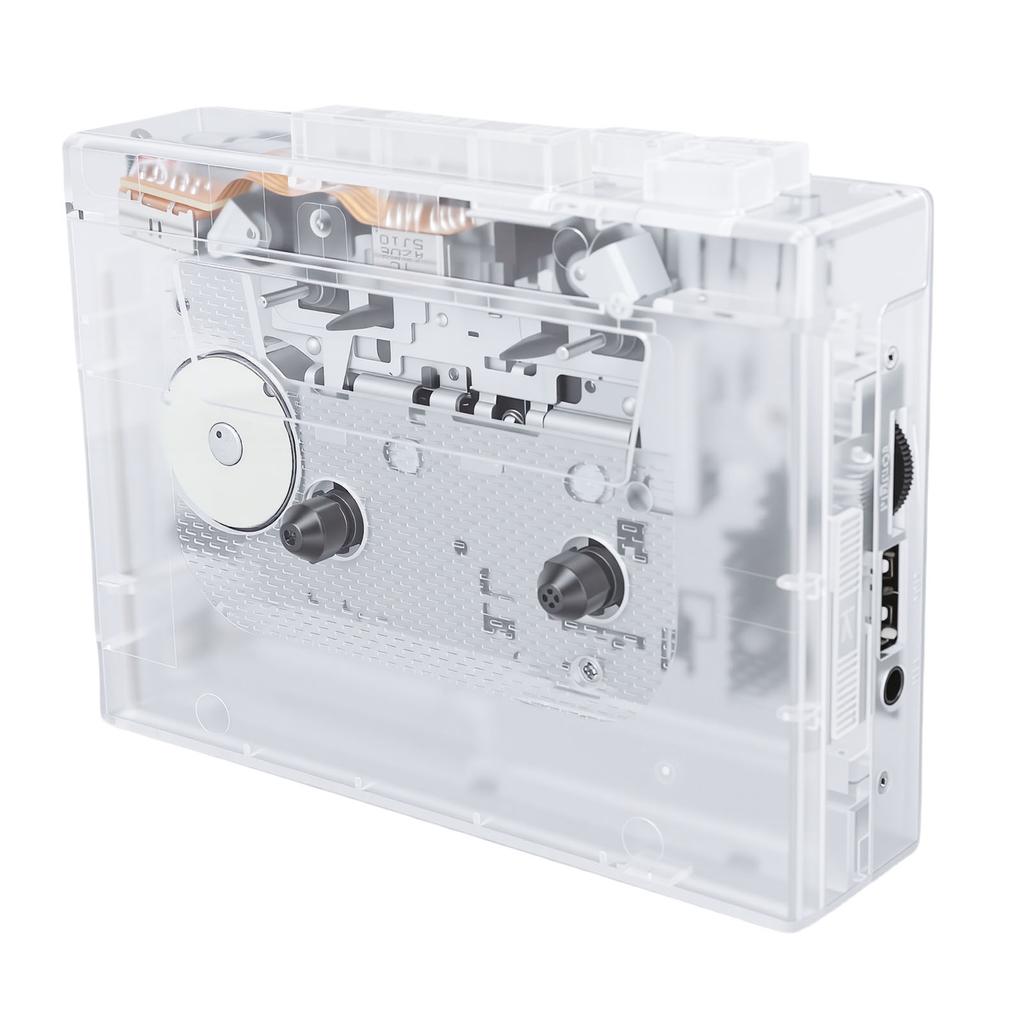
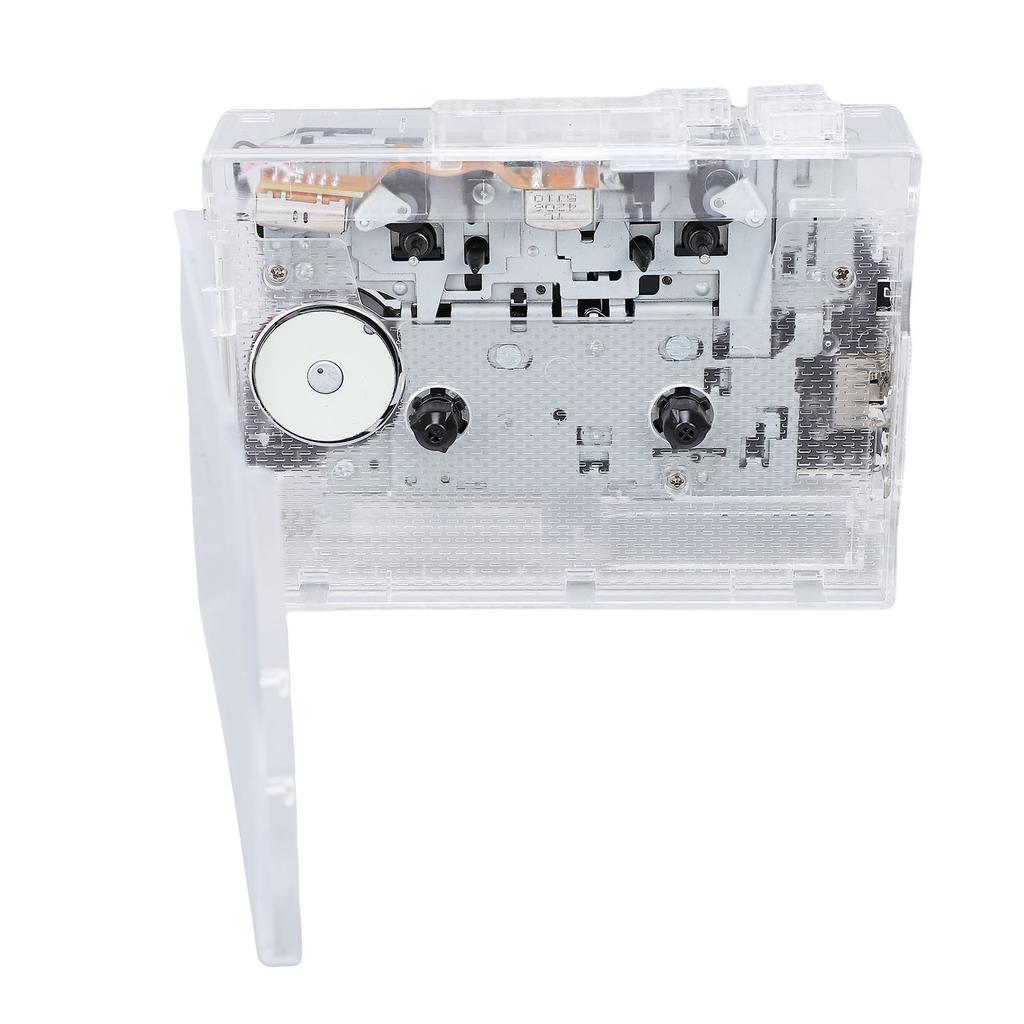
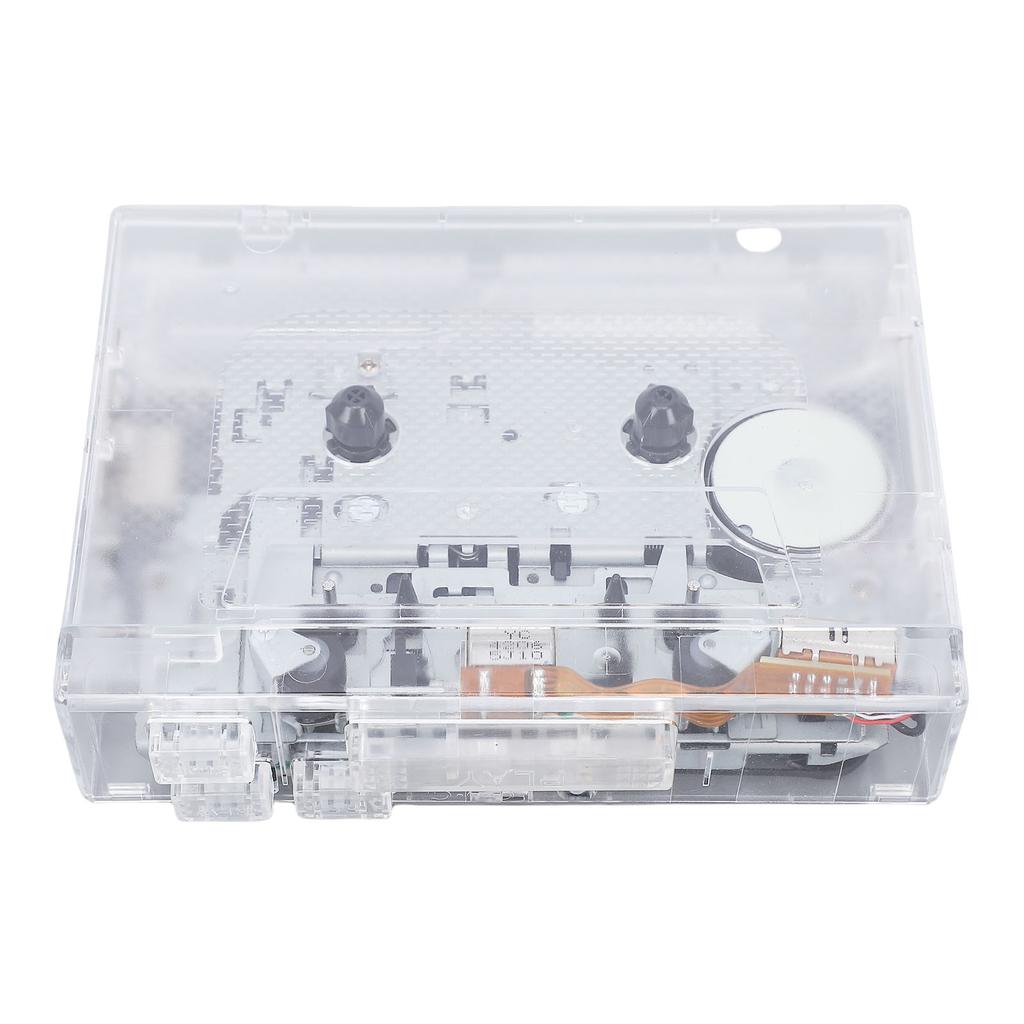
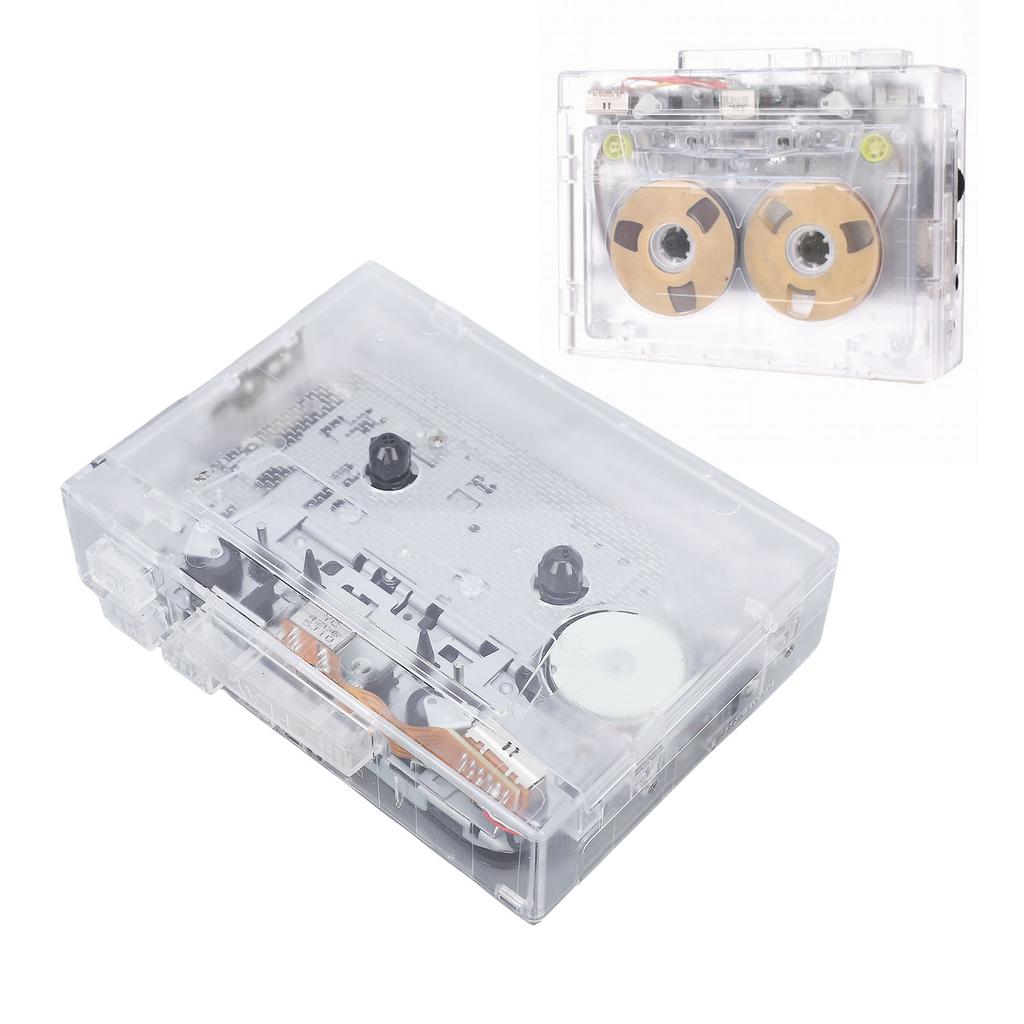
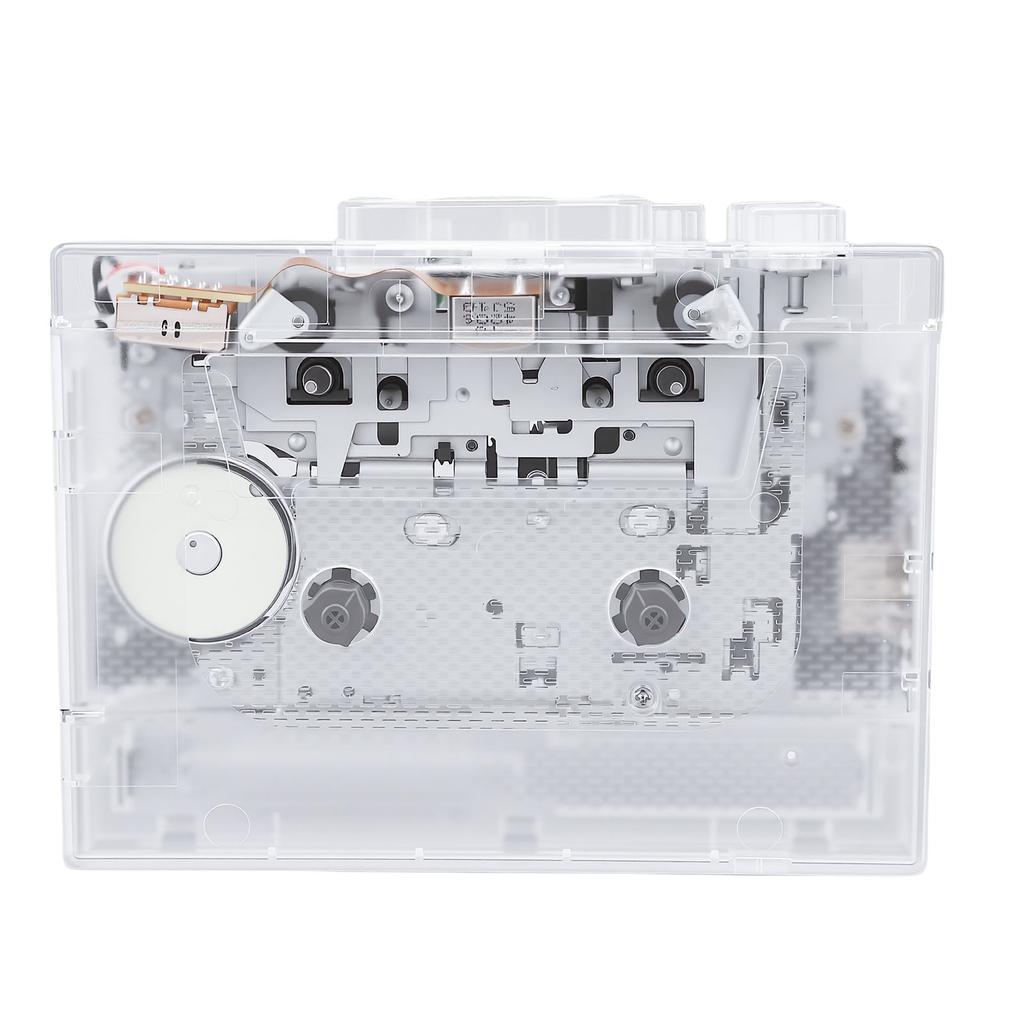
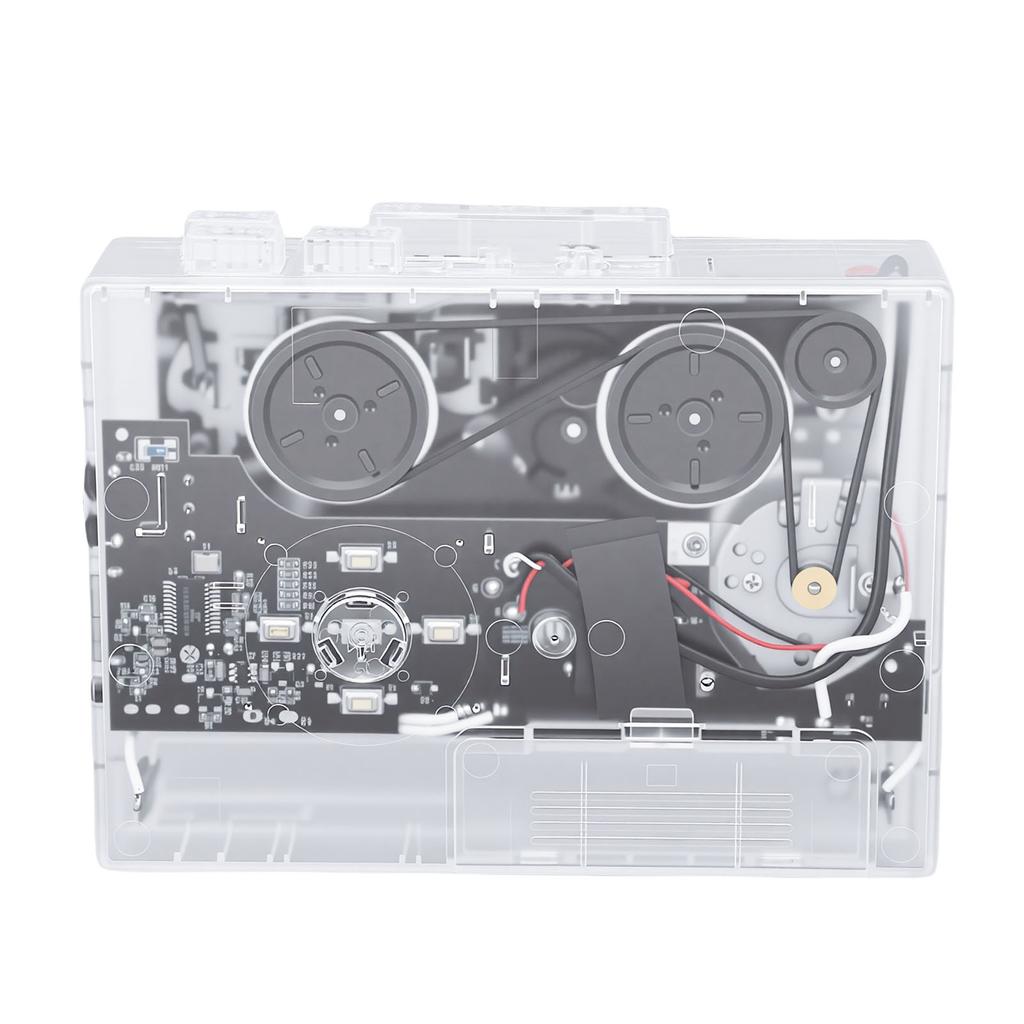
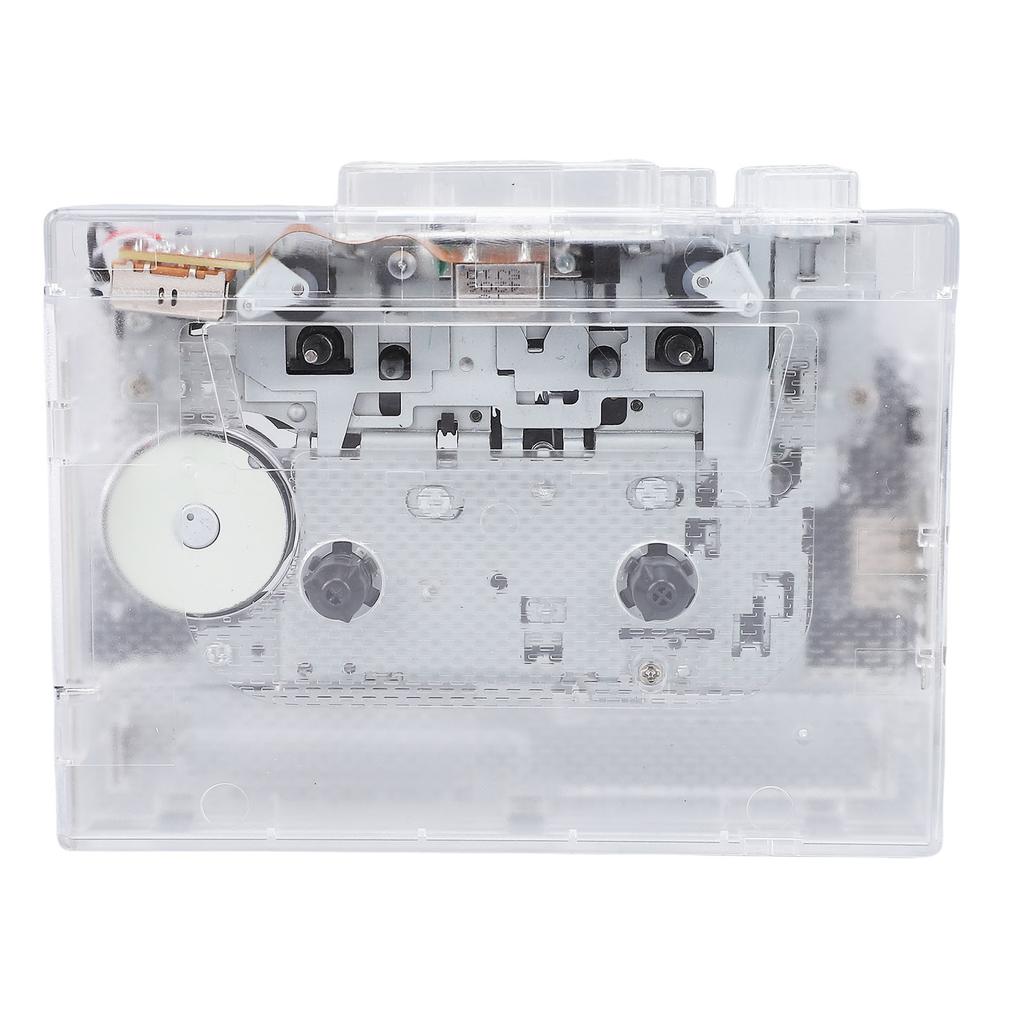
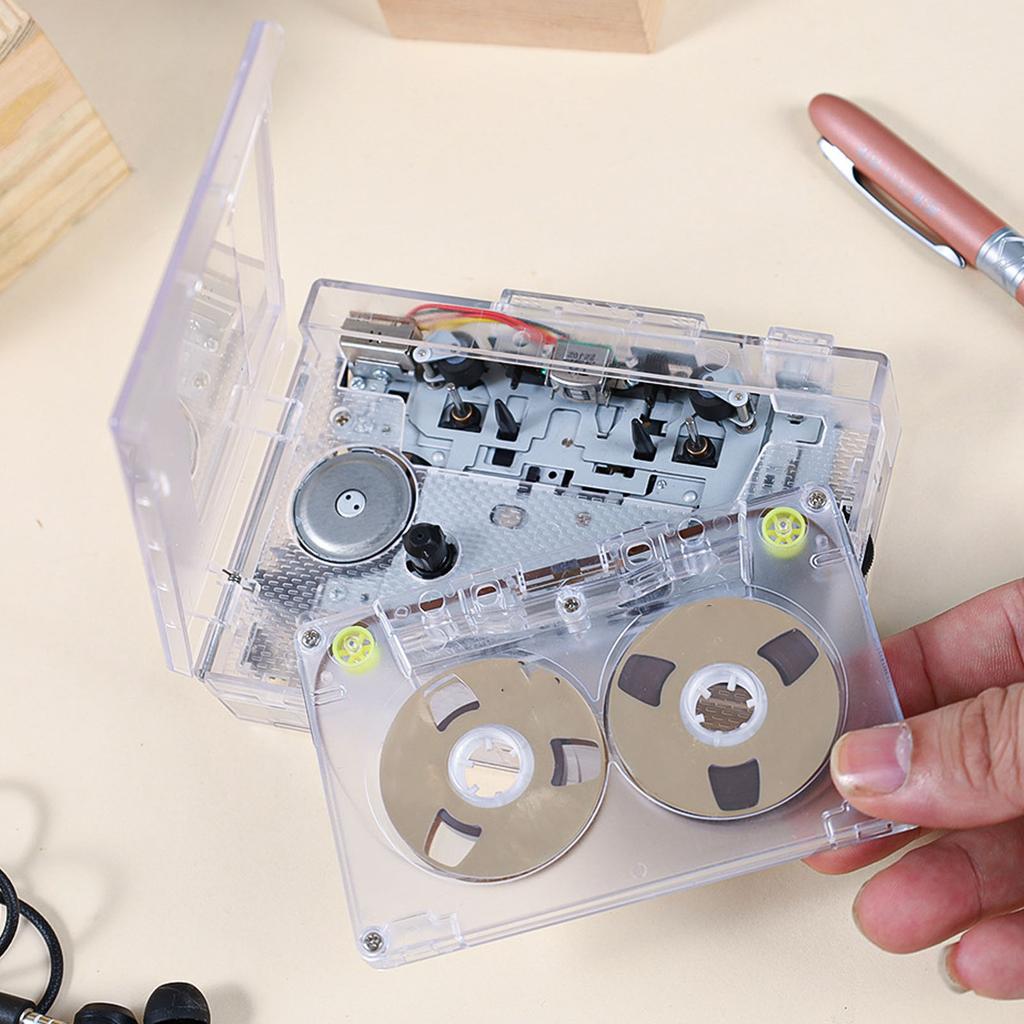
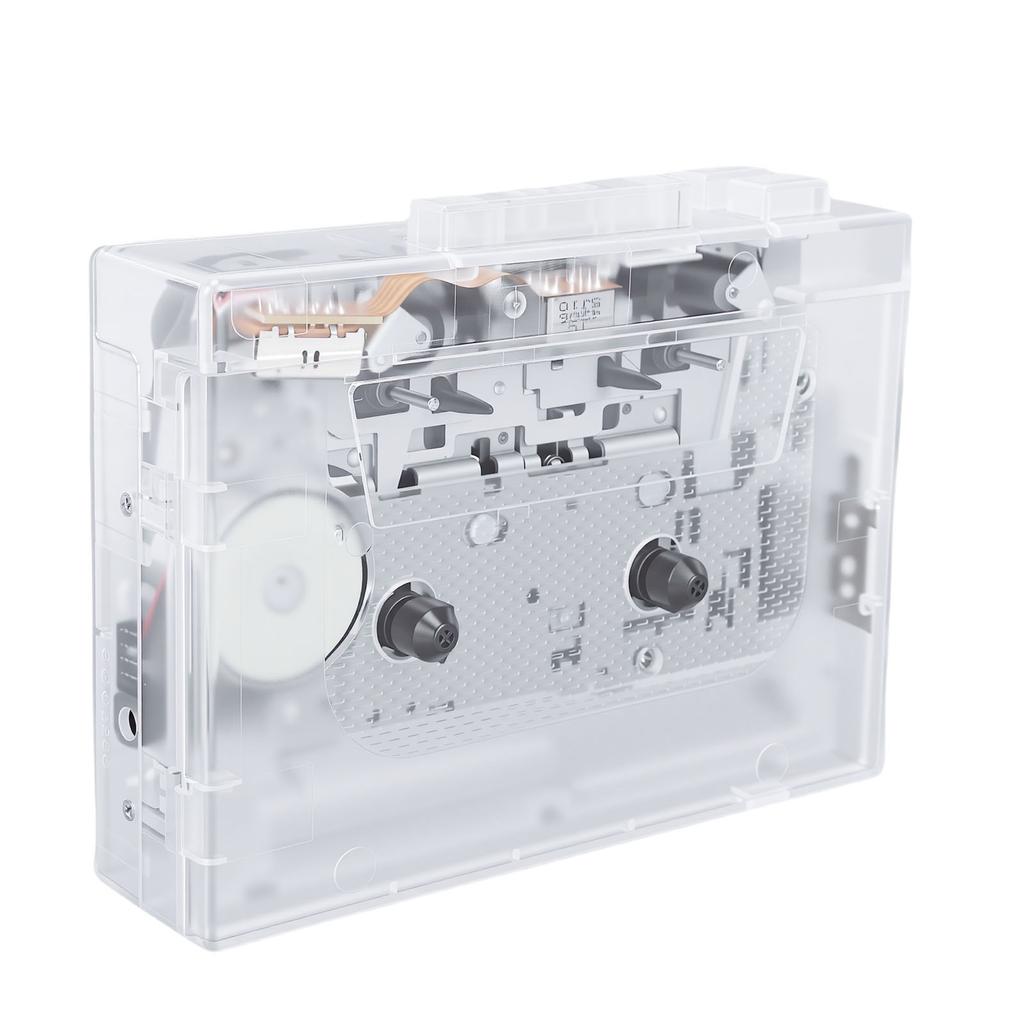
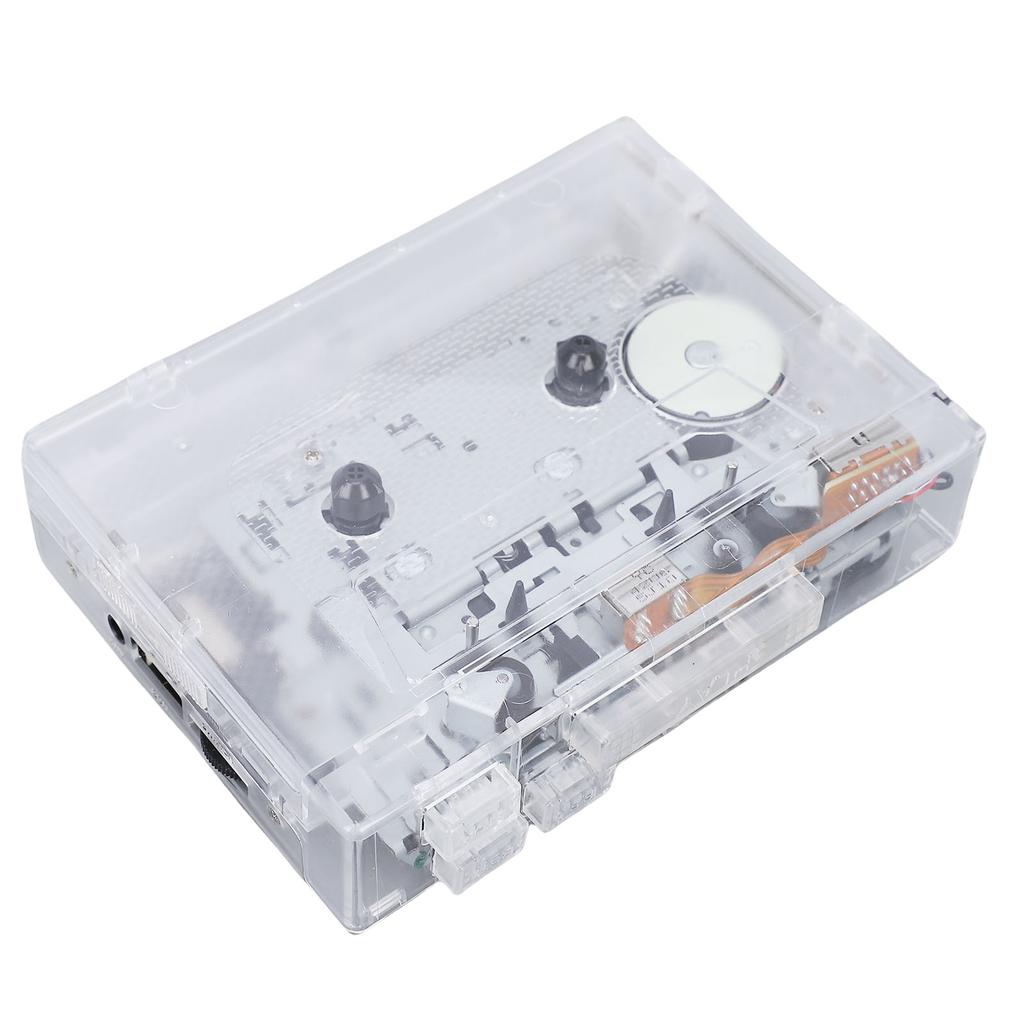
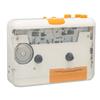
Retro Design: This cassette player features a vintage look, supports playback of both tapes and USB drives, lightweight and portable. Enjoy listening to old tapes through the 3.5mm connection for headphones, or car systems, a product perfect for all ages to relive wonderful memories.
Tape to Digital Converter: The cassette player allows you to convert tape music into MP3 format easily, and save them to a memory card via USB (not included), preserving your cherished music in modern digital format.
Compact and Portable: The portable cassette player s compact size enables it to fit in nearly any bag. Whether indoors or outdoors, you can easily choose the appropriate way to use it, with a 3.5mm port for headphone playback. (Note: this product does not come with ternal speakers).
Item Type: Cassette Tape Player
Product Color: Transparent
Product Material: ABS
Product Size: Approx. 120x90x31mm Celsius 4.72x3.54x1.22in
Battery: 2xAA Battery (not included)
Power Supply: + AA Battery
Output Current: 400mA (Maximum)
Output Power: 2W (Maximum)
Track Type: 2 channel stereo
Tape Speed: Standard 4.76+Celsius-5%
Recording Rate: 128KPS
Data Protocol: USB2.0
LED Indicator: WhiteCelsiusBlueCelsiusGreen
Playback Mode: Tape PlaybackCelsiusUSB PlaybackCelsiusRandom PlayCelsius Play
USB Playback: Supports 32, (not NTFS)
Transcription: Supported
Tape Speed Adjustment: Supported
How to Record Tape to MP3 Format?
Please that the tape player is powered on:
1. Insert the tape you to record into the tape player.
2. Plug the USB drive into the USB port; once the white indicator light turns on and stays lit, briefly press the key once. The white indicator light will start to flash slowly, indicating recording has begun. At the same time, press the tape playback key; during recording, pressing the key briefly again will pause recording, and the white indicator light will stay lit.
3. To playback the recorded file, press the key twice briefly, and the white indicator light will change to a blue light, automatically playing the recorded MP3 file. The blue indicator light will flash slowly. Pressing the key once more will pause playback, and the blue indicator light will remain lit.
4. During playback, first pause the tape to avoid crosstalk. press the key to cycle through adjusting the volume of the MP3 file.
5. To back to recording mode from playback, press the key twice briefly; the blue indicator light will change back to a constant white light.
How to Play Tapes?
1. Headphone : Insert headphones into the to enjoy the music.
2. While playing music, you can use the volume control knob to adjust the volume.
3. Press the DIR key to automatically reverse the tape.
4. Press the PLAY key to play the tape.
5. Playback Mode: Choose the when the tape reaches the end of one side. When set to the position, the tape will automatically directions and start playing the opposite side after one side has finished. When set to the single position, the tape will simply stop playback once one side has finished.
6. Press the F.F key to fast forward
7. Press the REW key to rewind
8. Press the STOP key to stop


 Teslim edilmediğinde para iadesi




![Taşınabilir Kaset Çalar Pille Çalışır Kompakt Kaset Kaset Kaset USB Kaset Kaset Kaset Şık yaşam_mart [USB ve Uyumlu, Kulaklıklar]](https://img.joomcdn.net/c38a3d2671d34ecdbce98cb4aab5a22c0bc11c26_100_100.jpeg)

