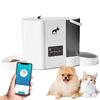
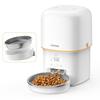
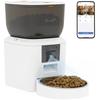
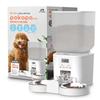
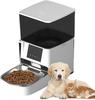
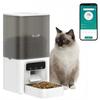
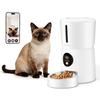
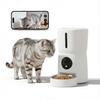
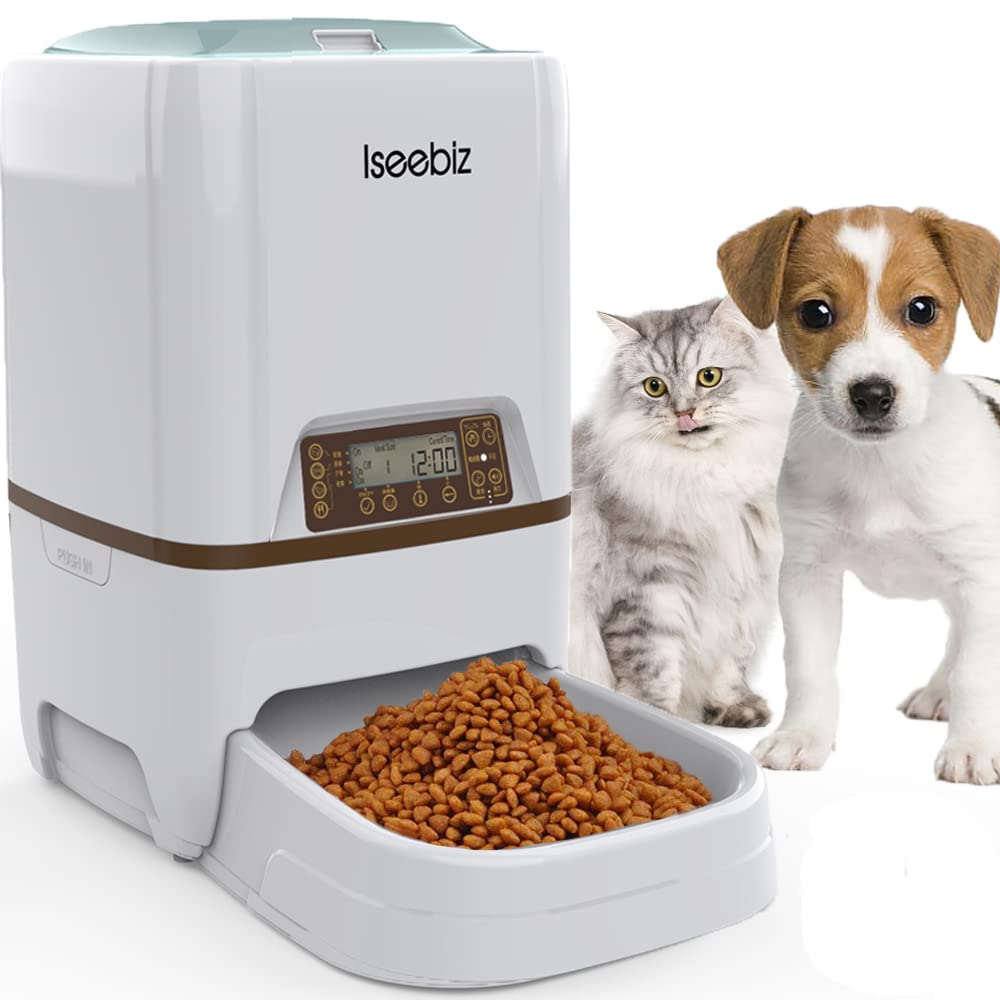
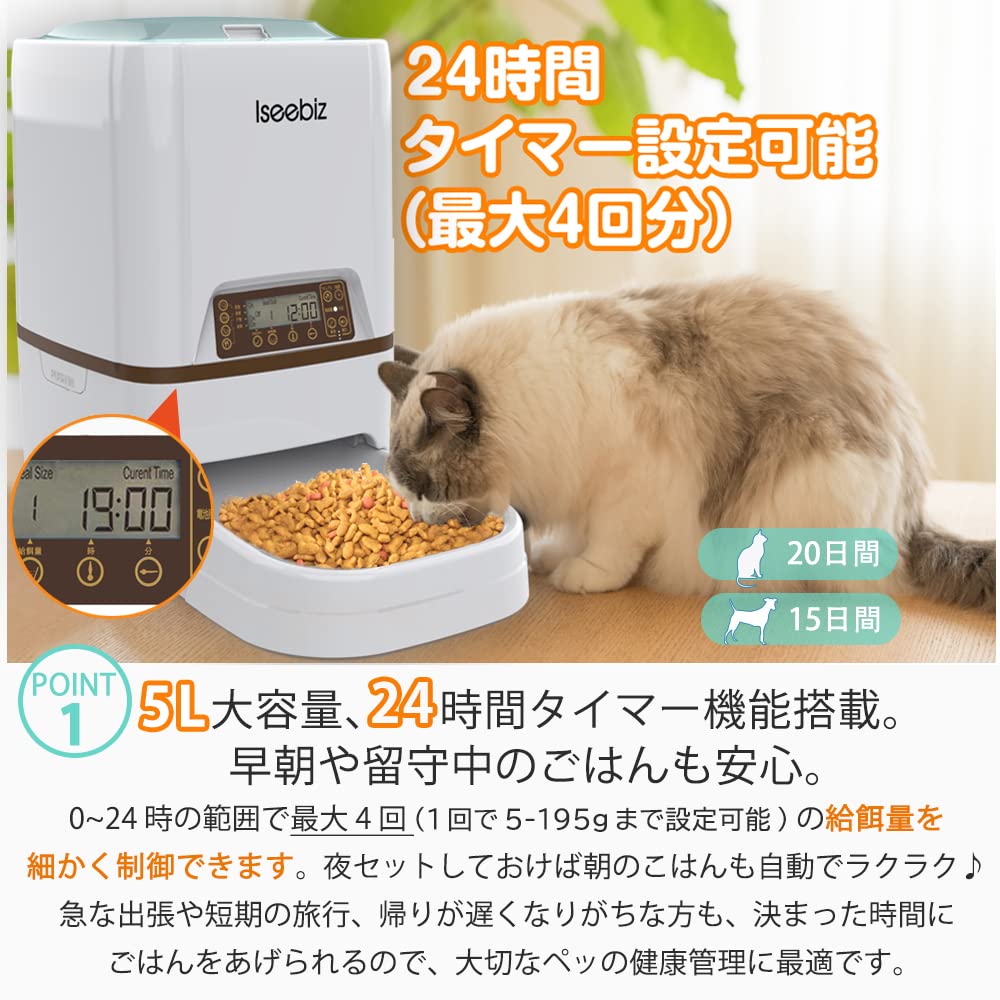
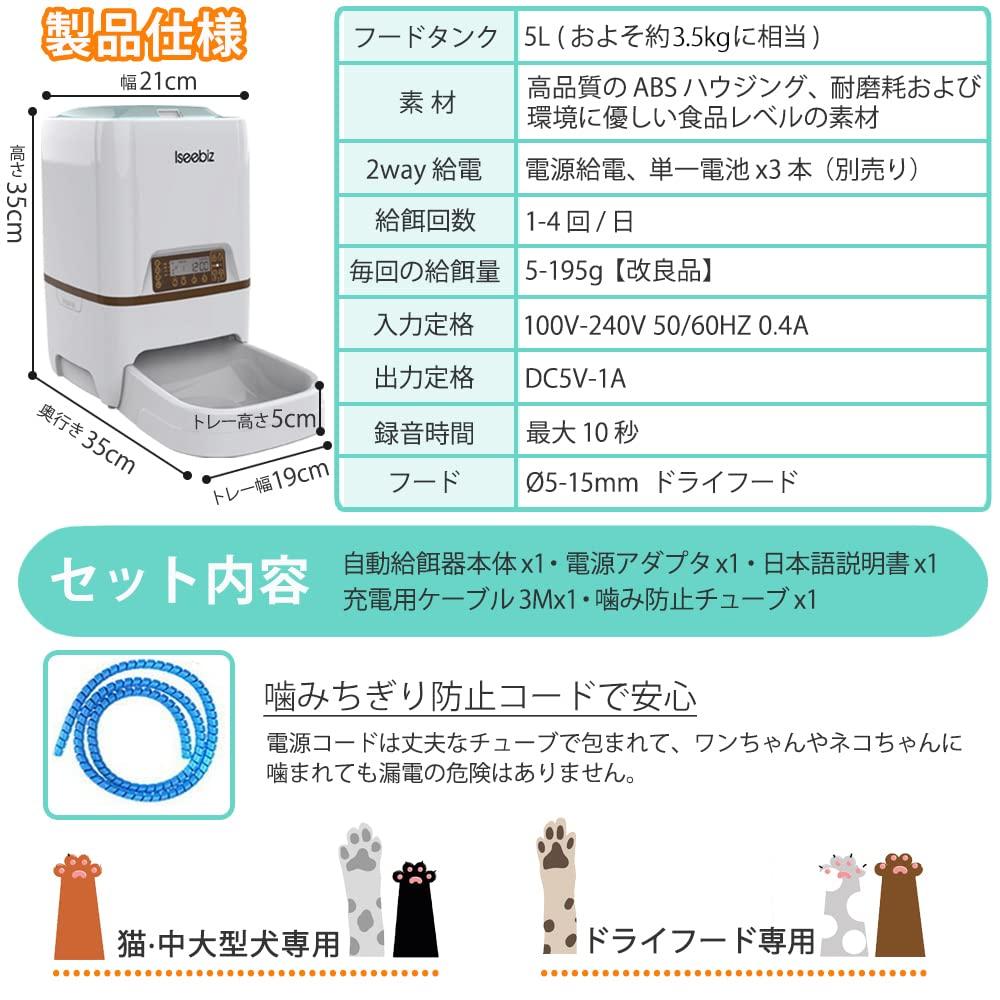
🐈【20 Days of Continuous Automatic Feeding & Fixed Time and Quantity】For cats and medium-sized dogs, this automatic feeder can feed for up to 20 consecutive days. It can be set to feed up to 4 meals a day, with a setting of 5-195g per feeding. Perfect for business trips or when working overtime, this automatic feeder allows you to provide a set amount of food at a set time.
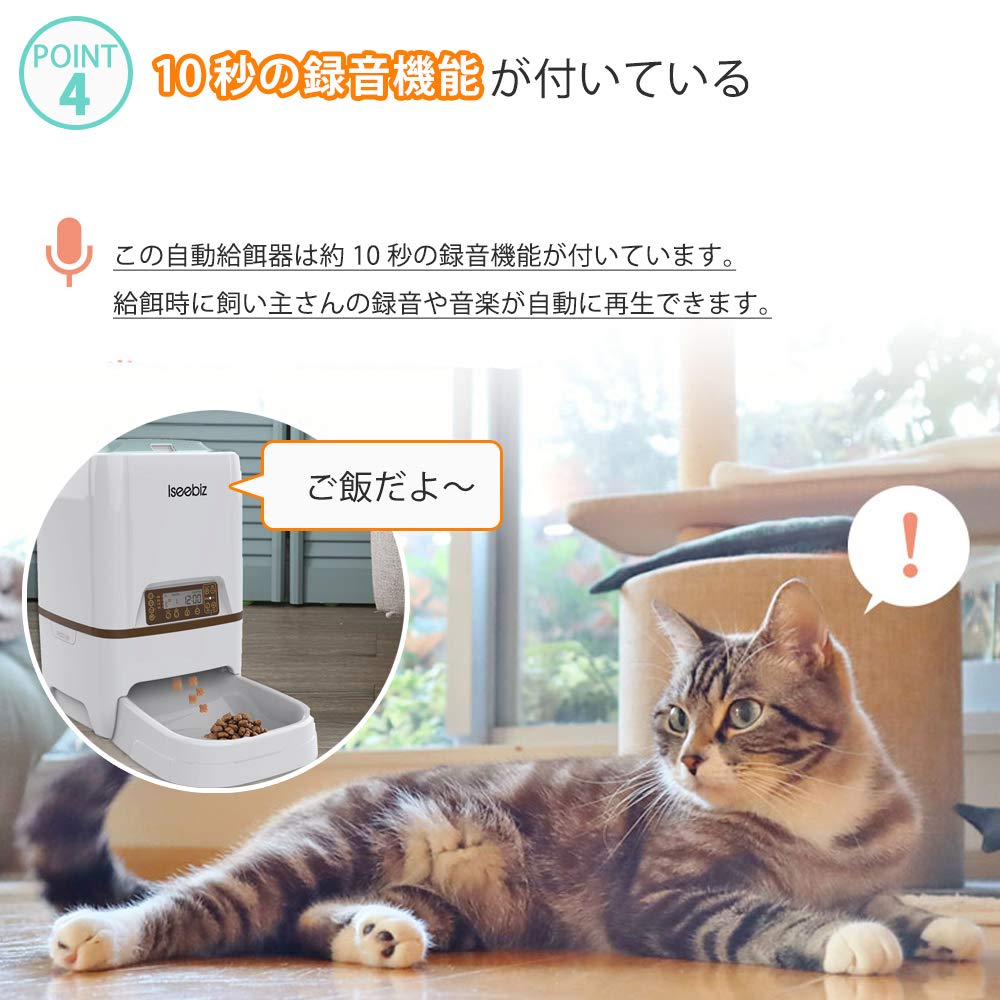
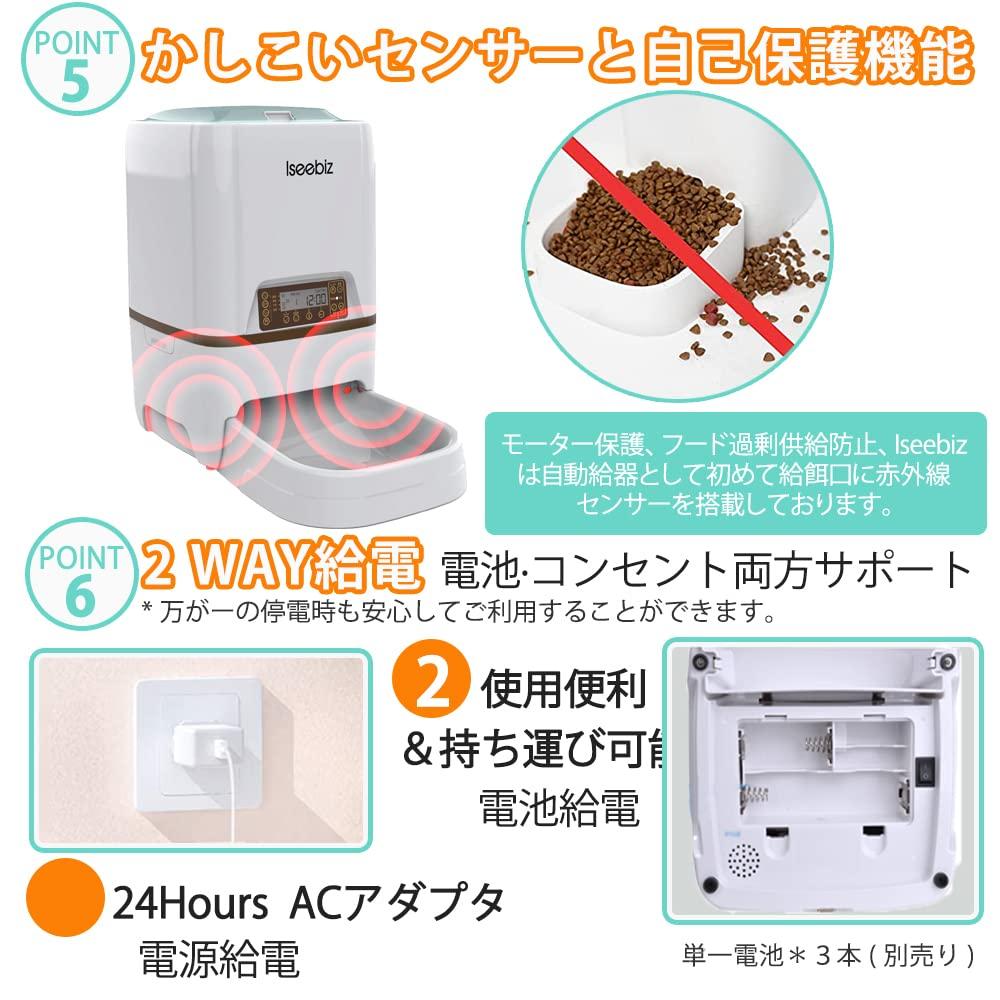
🐈【Voice Recording & Infrared Sensor】This automatic pet feeder has a voice recording function that allows for approximately 10 seconds of recording. It can automatically play the owner's recorded voice or music while feeding. Furthermore, the feeding opening is equipped with an infrared sensor, which automatically adjusts the amount of food dispensed, preventing pet food from overflowing from the tray.
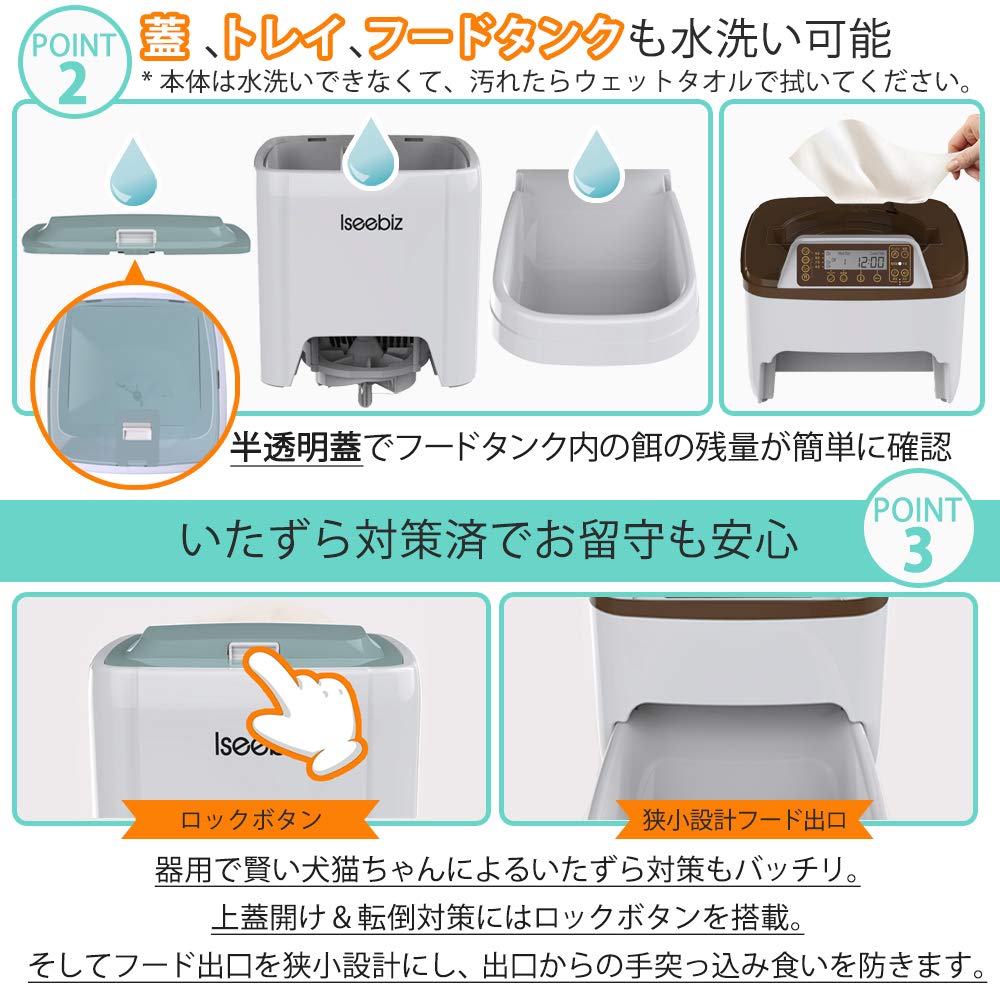
🐈【Washable】To protect your pet's diet and health, this latest version of the automatic feeder features a lid, food tank, and tray that are all washable. The main body is not washable; please wipe it with a wet towel if it gets dirty. For hygiene, please clean it every month. ★Also, the translucent lid allows you to easily check the remaining food level at a glance without opening the lid.
🐈【2-Way Power Supply & Anti-Slip】Choose between battery or adapter power supply. Battery power eliminates worries about power outages. Battery-powered, it can last for 6 months. It's compact and can be placed anywhere in the room. Furthermore, it has an anti-slip mat on the bottom to prevent pets from tampering with it.
🐈【Exclusive Japanese-language buttons】Japanese instructions are included, so if you have any problems, please feel free to contact the seller! We can respond within 24 hours.
★Here's an example of how to use it. For example, the current time is 8:20 PM. You want to feed it 30g only once at 6:30 AM. ★1. Reset to local time: While holding down the "Time" button, press the "Hour" button once. The time number on the panel will blink, and you can change the number to "8" by pressing the "Hour" button again. Similarly, set the minutes to "20" using the "Minute" button. ★2. Setting the number of feedings (feeding enabled/disabled): While holding down the "Breakfast" button, press the "On/off" button once. The on/off mark on the panel will blink, and you can set it to "On". Similarly, press the "Lunch/dinner/4th meal" button to set it to "Off". ("On": Feeding enabled "Off": Feeding disabled) ★3. Setting the feeding time Press and hold the "Breakfast" button, then press the "Hour" button once. The time numbers on the panel will blink, then press the "Hour" button again to change the number to "6". Similarly, set the minutes to "30" with the "Minute" button. ★4. Setting the feeding amount Press and hold the "Breakfast" button, then press the "Meal Size" button, and set the feeding amount on the panel.
The quantity number will start flashing, and then press the "Meal Size" button to set the number to "6". The number 1 is one grid cell (approximately 10g). So, at 6:30 in the morning, feed them 60g.


 Teslim edilmediğinde para iadesi