----------------------------------------------------------------------
【Voltage Compatibility】
When using electrical appliances, please note that they are designed for Japanese voltage specifications (90-110V), so if you use them with a different voltage, it may cause a malfunction.
【Plug Type】
Our products use Japanese plug types (A or B type).
Please use a conversion adapter if necessary.
【Important Note on Transformers and Adapters】
A transformer adjusts voltage to match your device’s requirements.
A conversion adapter only changes the plug shape and does not adjust voltage.
Using only a conversion adapter without a transformer may result in damage to the product.
【Liability】
We are not responsible for malfunctions or damages caused by improper use, such as operating the product without a transformer.
----------------------------------------------------------------------
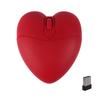
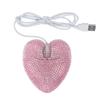
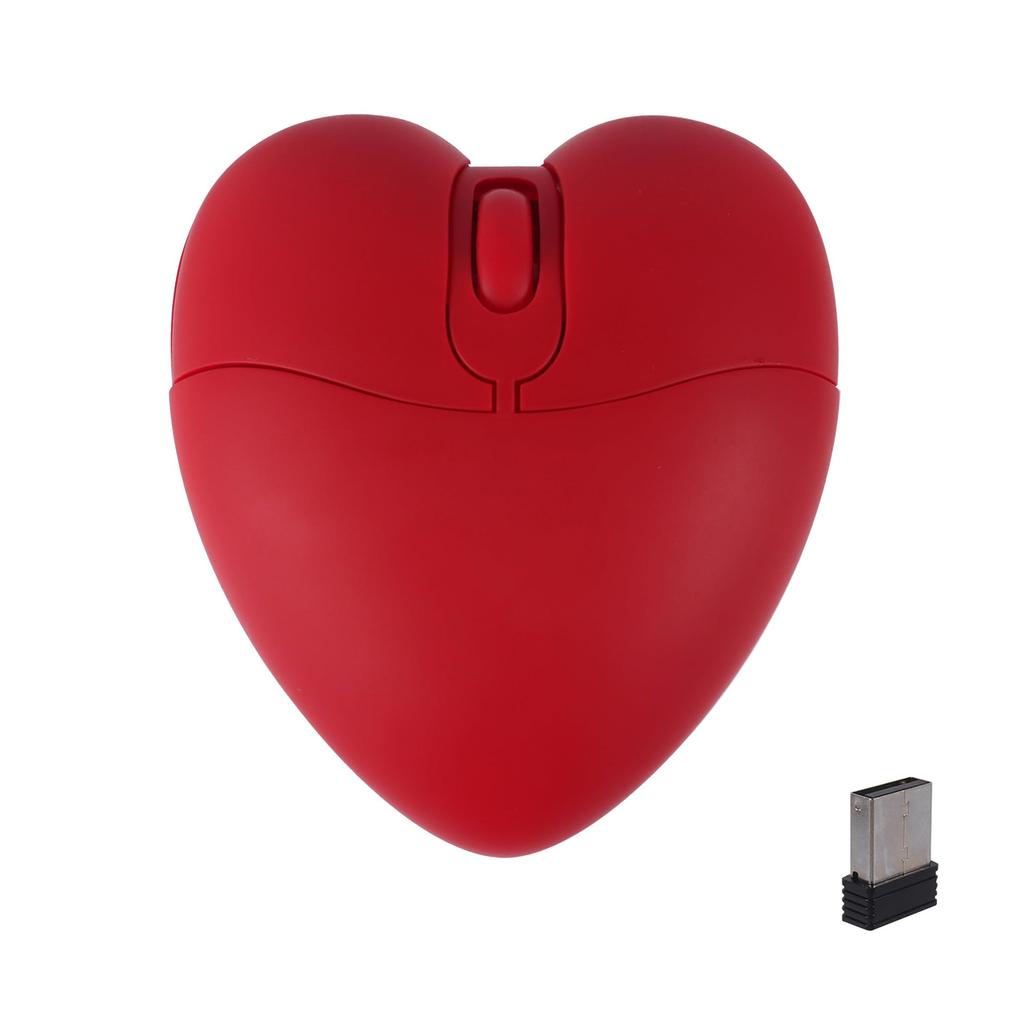
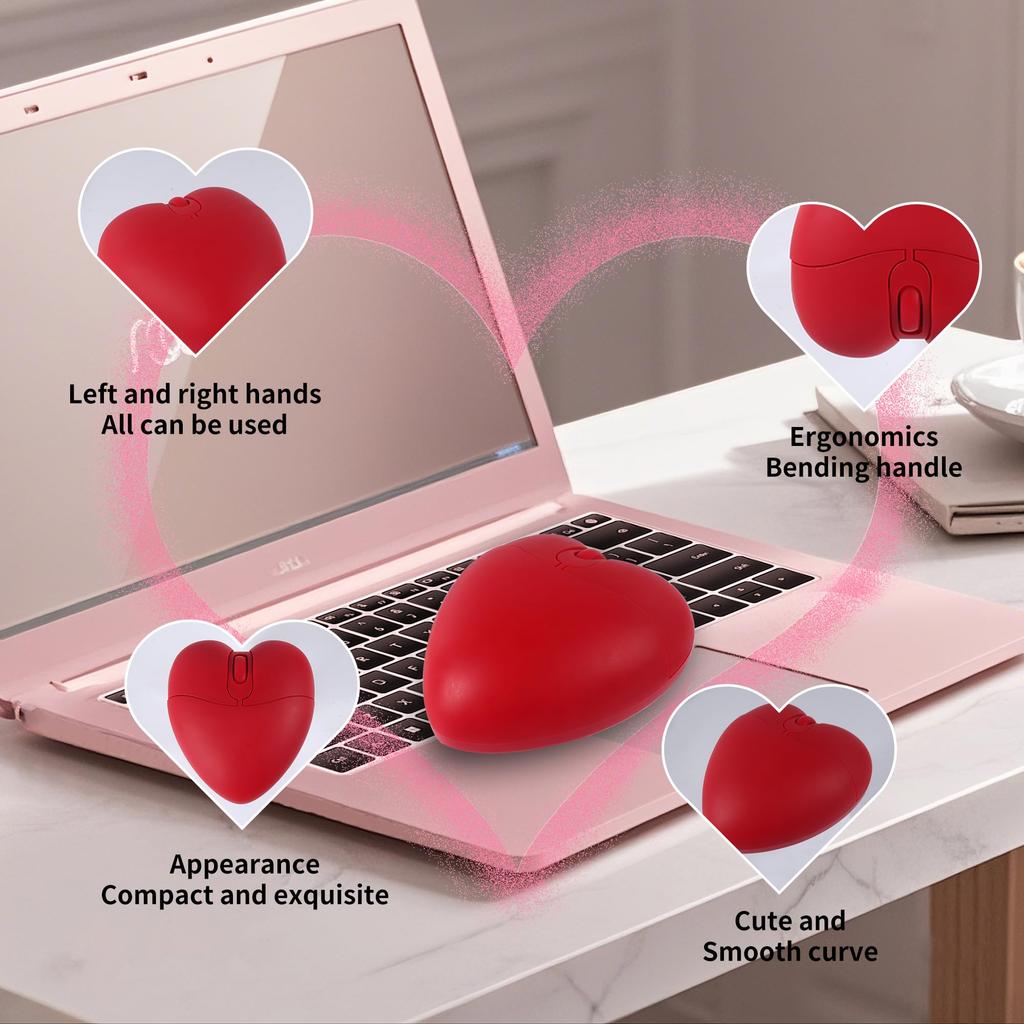
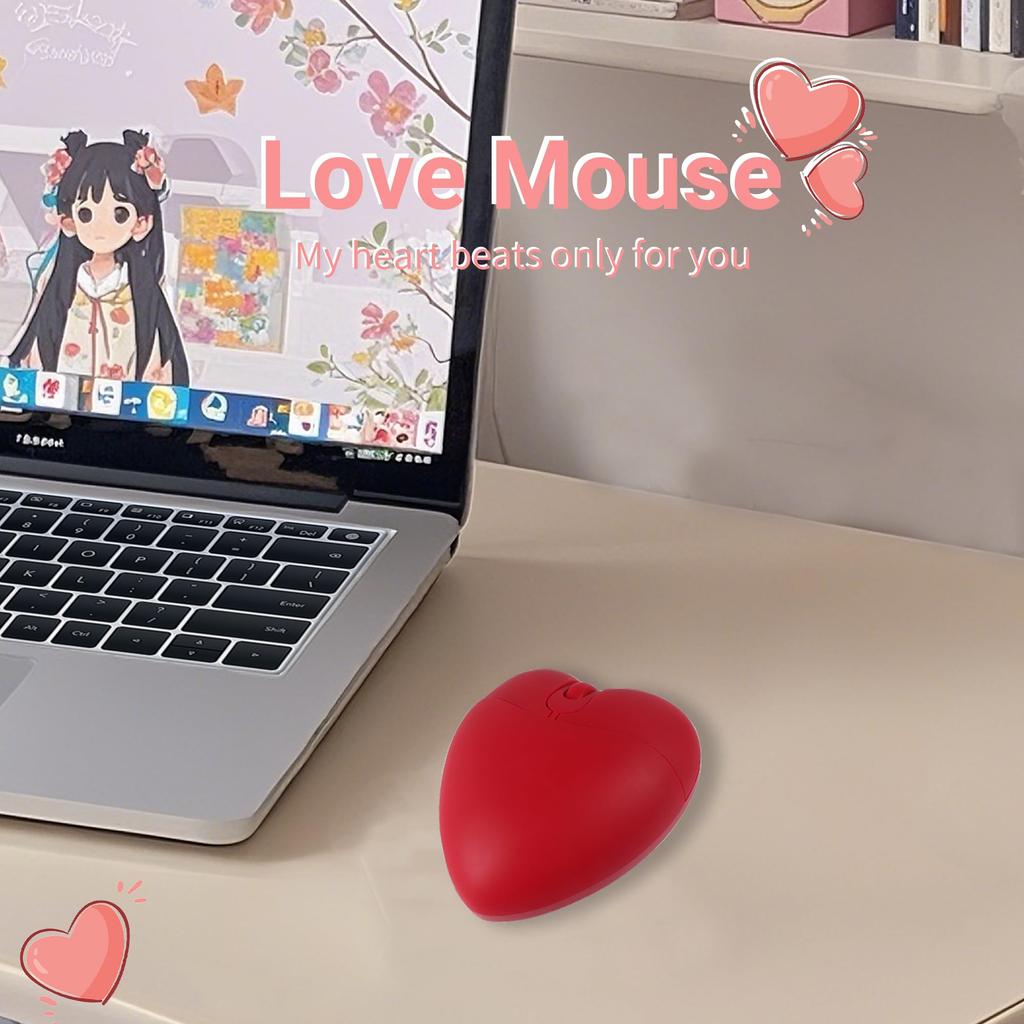
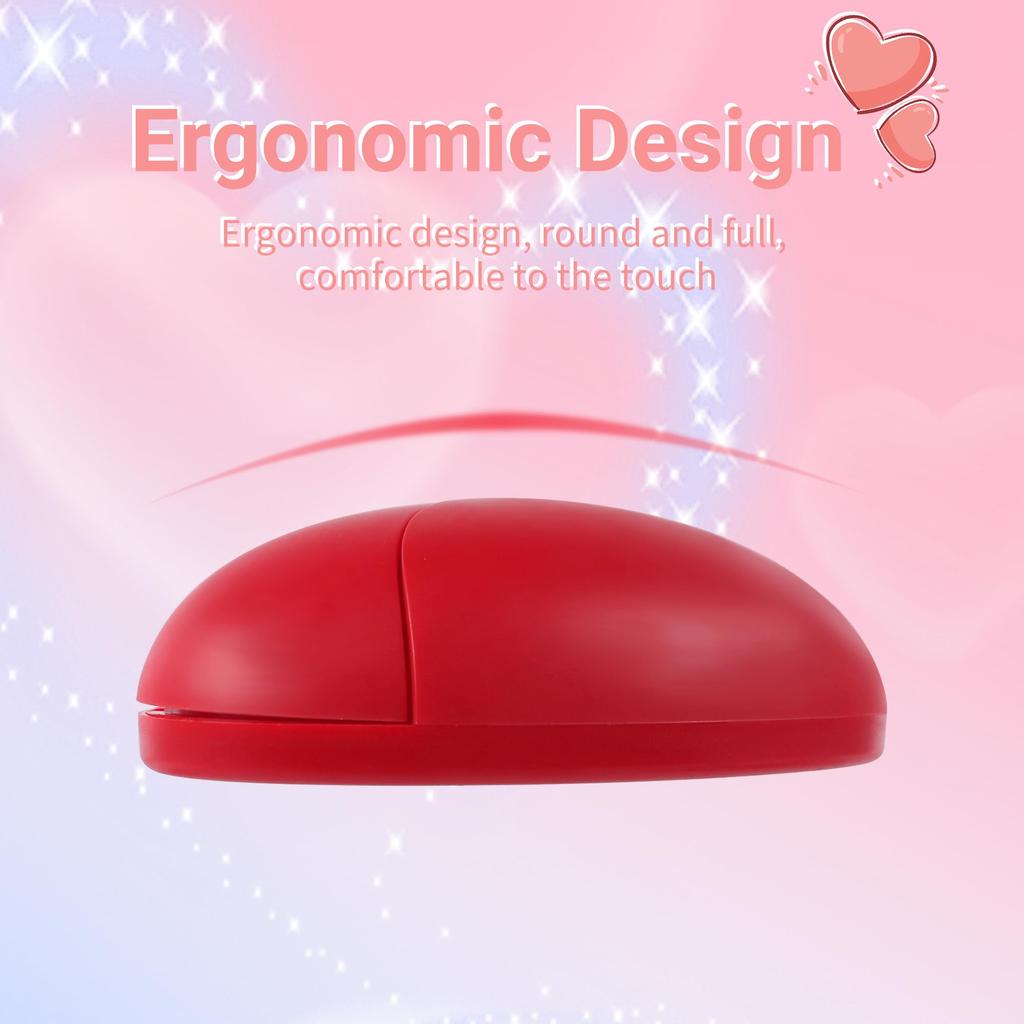
【Innovative Design】Featuring a cute heart-shaped design, it's unique and eye-catching. The grip is excellent, making it easy to operate with both the left and right hands. Suitable for both children and adults, it makes a great gift for kids.
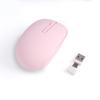
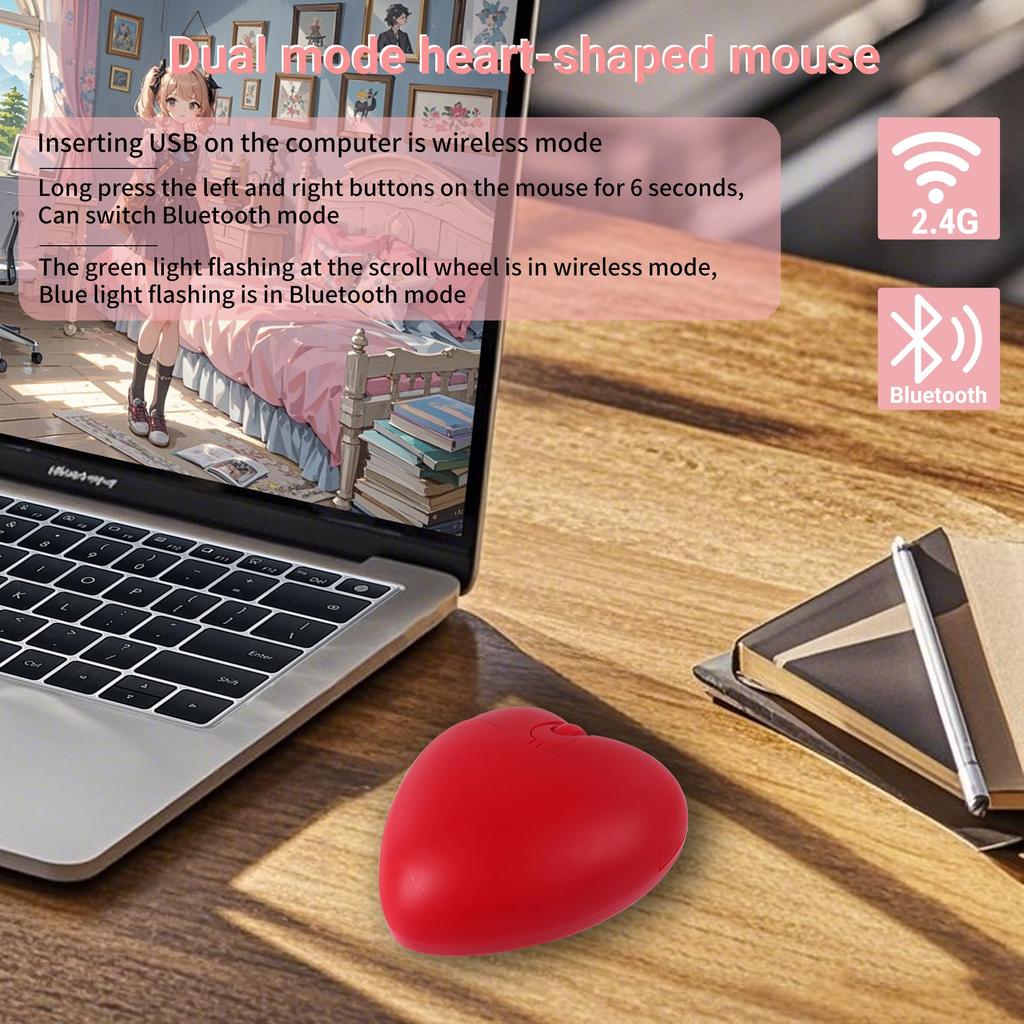
【Supports Two Connection Modes】Bluetooth connection + Wireless 2.4GHz connection. Using 2.4GHz frequency technology and a USB receiver, it's ready to use immediately. Smart Bluetooth low power consumption 5.1. It can also connect to two devices and switch between them.
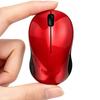
【Compact and Portable】The mouse is compact and easy to carry, measuring only 29mm thick, 80mm long, and weighing approximately 60g. It is skid-resistant, sweat-resistant, made of ABS material, lightweight, compact, and easy to grip and use.
[Battery-operated] Please prepare one AAA battery (not included) in advance. Remove the cover on the bottom and locate the slot and USB receiver. The USB receiver is located near the slot.
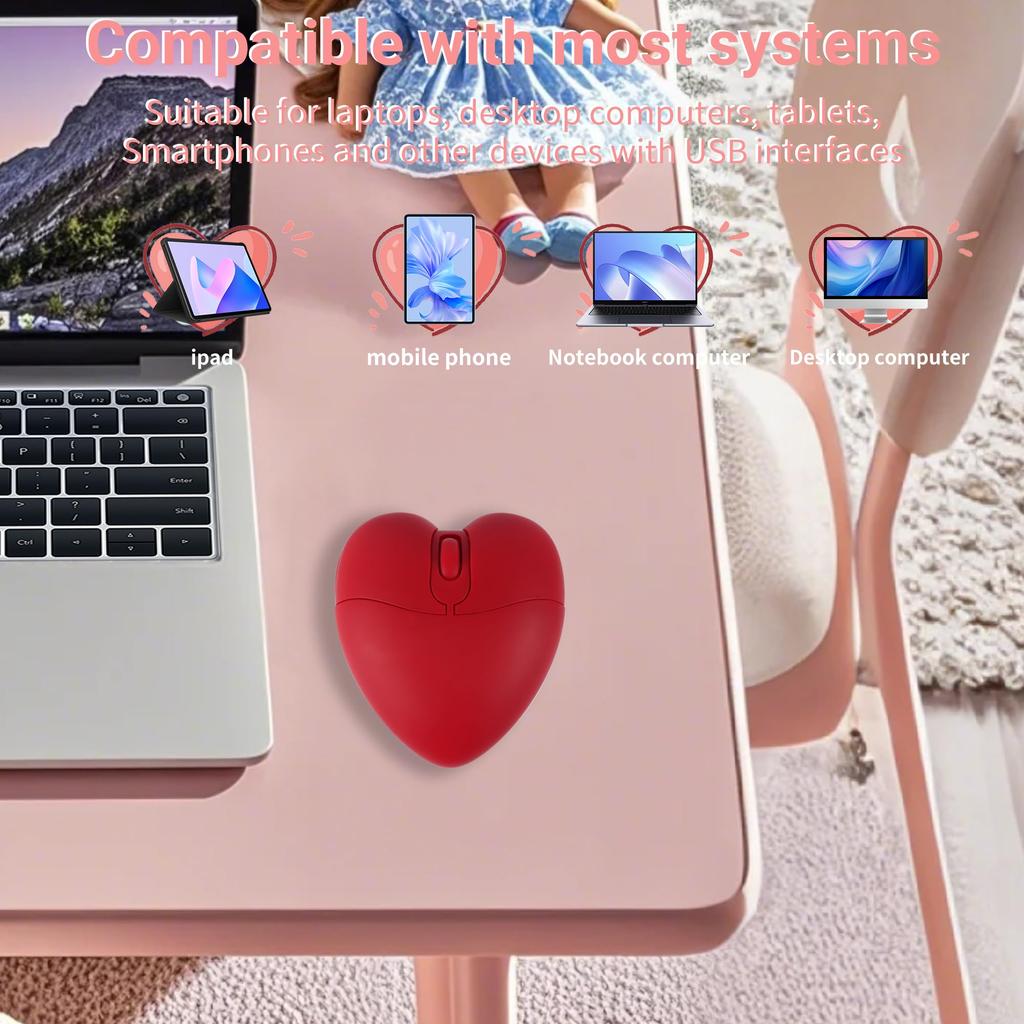
【Wide Compatibility】Supports multiple operating systems including Windows 2000/XP/Vista, Windows 7/8/8.1/10/11, Mac OS X, Chrome OS, Android, etc. Note: iPhone and iPad are only compatible with iOS 13 or later. Suitable for Bluetooth-enabled smartphones, tablets, computers, PCs, Macbooks, etc.
Connection method
2.4G Wireless Mode (Default):
When you connect the USB receiver located inside the cover on the bottom of the mouse to your computer, the green light on the scroll wheel will blink in wireless mode. When wireless mode is degraded, the green light will blink slowly.
Bluetooth mode:
1. Press and hold the left and right mouse buttons and the scroll wheel simultaneously for 6 seconds. A blue light will flash, and the mouse will switch to Bluetooth mode.
2. Turn on Bluetooth on the device you are using and search for nearby Bluetooth devices.
3. After a short while, "BT5.1 Mouse" will appear in your devices; click on it to connect.


 Teslim edilmediğinde para iadesi