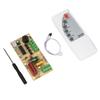
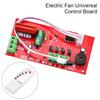
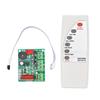
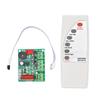
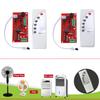
Quantity : 1
High-concerned chemical : none
Package : SOP
is_customized : Yes
Supply Voltage : 110V-240V
Type : Drive IC
DIY NOW
Origin : China
Condition : New
Operating Temperature : -20~+60℃
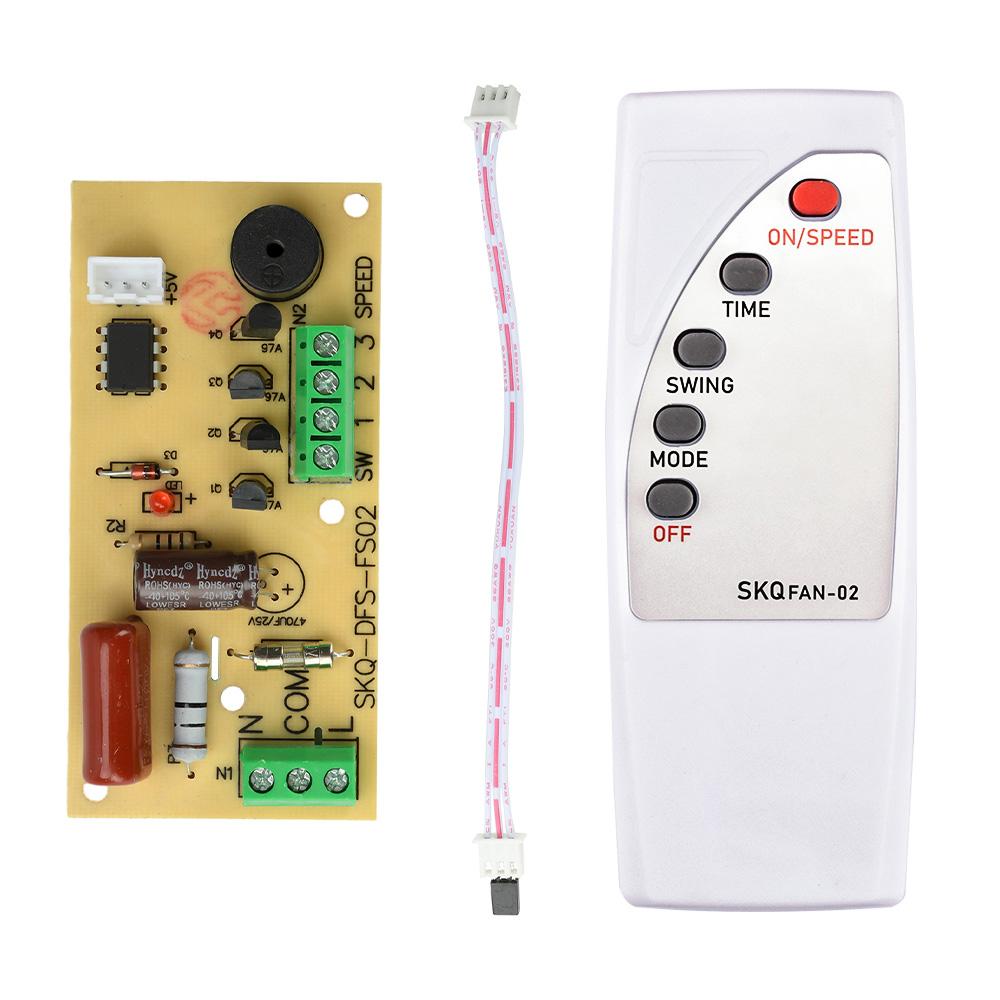
Product Name : Fan control motherboard
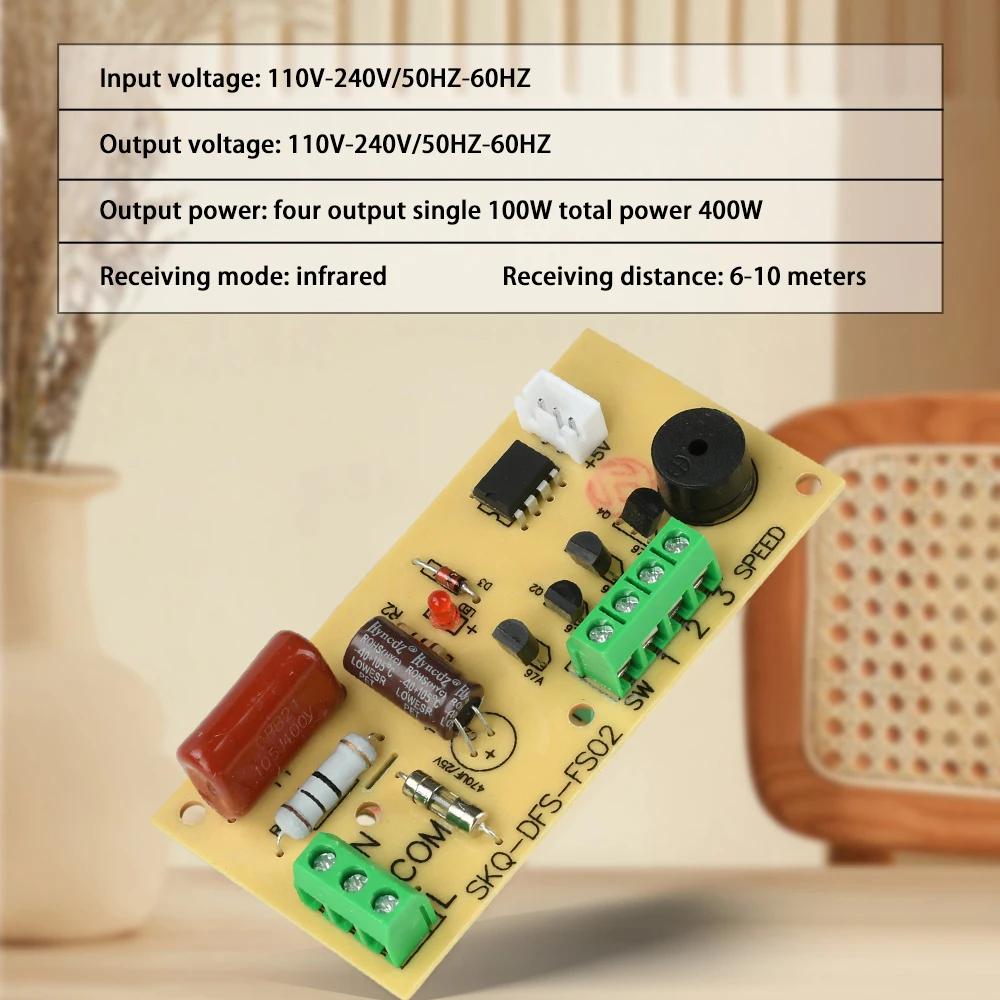
Input voltage : 110V-240V/50HZ-60HZ
Output voltage : 110V-240V/50HZ-60HZ
Output power : Four output channels, single channel 100W, total power 400W
Receiving method : infrared
Receiving distance : 6-10 meters
Product selling points:
1. The product is made of high-quality PCB+ABS materials, with a long service life and guaranteed quality
2. The product is packaged in cardboard boxes and the remote control is shipped without batteries
3. The product has stable performance, is lightweight and compact, and is easy to use
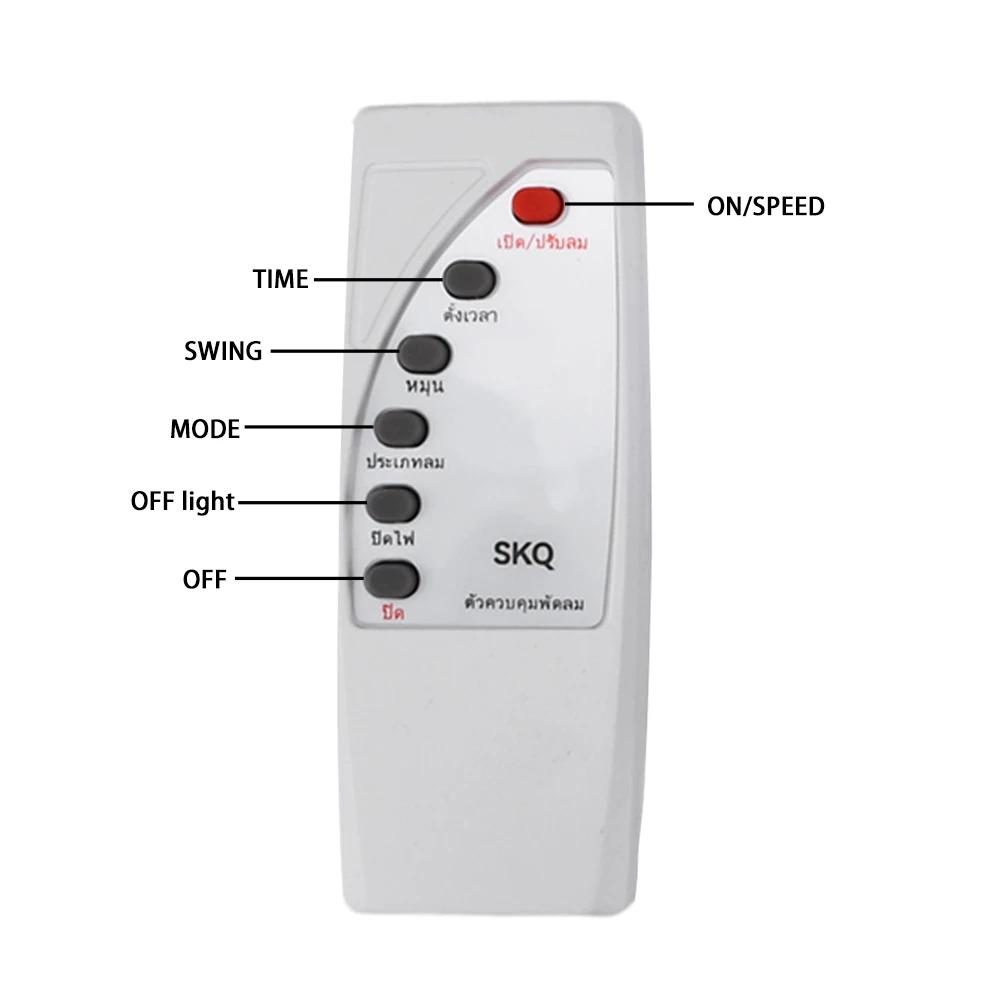
4. This is a fan circuit board that can be controlled through a remote control, and can control shaking, on/off, speed, and timing through buttons
5. The remote control is available in four languages: English, Chinese English, Vietnamese, and Thai
Product Overview:
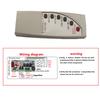
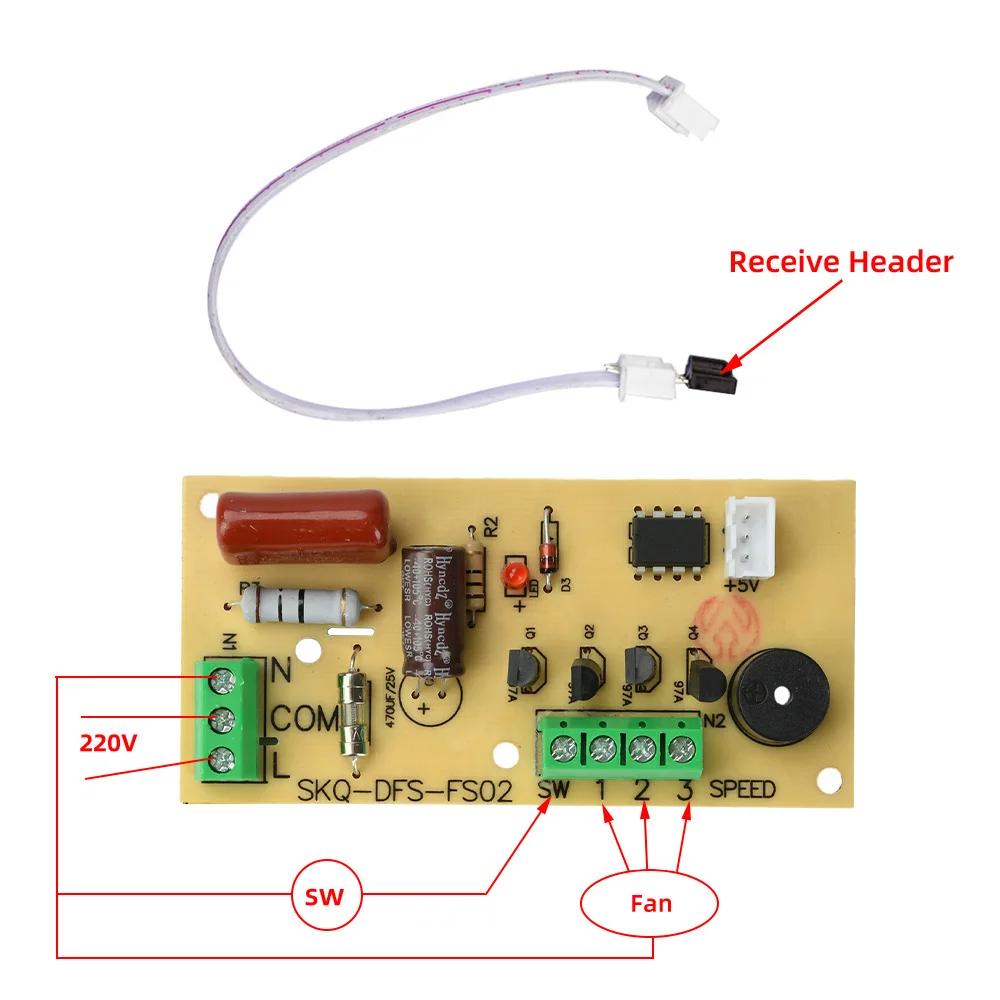
This circuit board is universal, suitable for floor fans, oscillating fans, table fans, etc. Even fans without remote control can be converted into remote control fans. The modification is simple and convenient, such as mechanical fans with four wires. The black wire is connected to the common terminal, and the remaining three wires can be connected to the high, medium, and low levels respectively for control. It is a very multifunctional product.
Parameter
Input voltage: 110V-240V/50HZ-60HZ
Output voltage: 110V-240V/50HZ-60HZ
Output power: Four output channels, single channel 100W, total power 400W
Receiving method: infrared
Receiving distance: 6-10 meters
Usage:
1. On/Wind Speed: In standby mode, press the "On/Wind Speed" button to activate the fan with high wind speed. Pressing this button again will activate the fan in a "large medium small" cycle
2. Shaking Head: In working mode, press the "Shaking Head" button to enter shaking head mode, and then press this button to turn off shaking head,
This function cannot be used without a shaking motor!
3. Timing: In the working state, press the "Timing" button and cycle the timing in the order of "0.5-1-1.5-2-2.5-3-3.5-4-4.5-5.5-6.6.5-7.5-0"
4. Wind type: In the working state, press the "Wind type" button to switch to the "Natural Wind Sleep Wind Normal Wind" working mode
5. Shutdown: When in operation, press this button to turn off all working states of the fan
Shipping List:
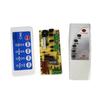
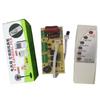
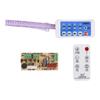
Control board X1
Remote control X1




 Teslim edilmediğinde para iadesi