Luminous Flux : 249-2000
High-conrned chemical : None
Is Smart Devi : Yes
Power Generation : Switch
Is Batteries Included : no
Nominal Voltage : 24V
Model Number : Tuya Wifi LED Strip
Average Life (hrs) : 50000
rtification : ,,,UL
Power Sour : DC
: Mainland China
Strip type : COB
Power Consumption (W/m) : 8.64W/m,5.76W/m,7.36W/m
Occasion : Living room
Specifications (light beads / m) : 320
Item Type : Strip
uillermo
Voltage : 24v
LEDs Number/M : 320LEDs/M
Waterproof : Yes
Color Temp(K) : Warm White(3000K), Natural White(4000K), Cool White(6500K)
Specification:
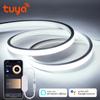
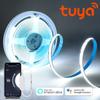
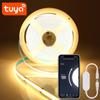
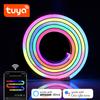
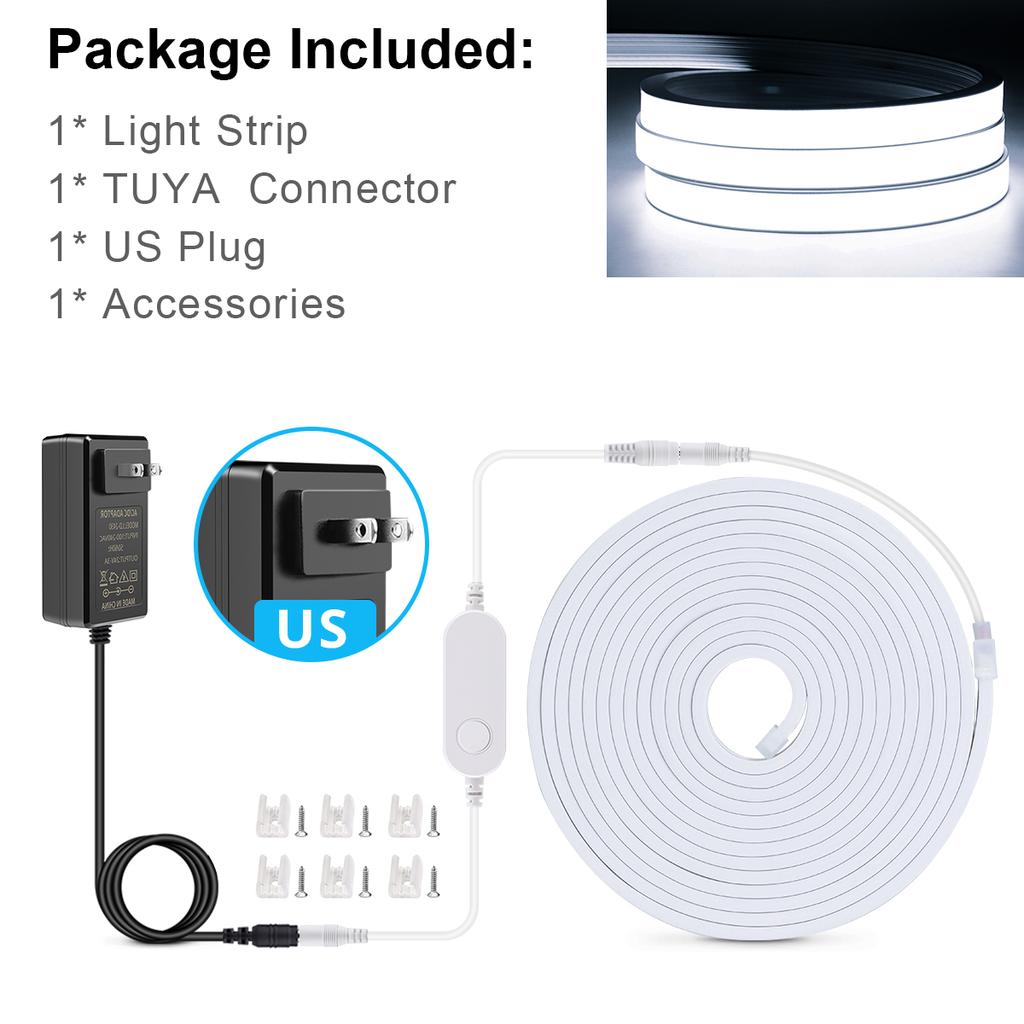
Type: WiFi COB LED Neon light Strip
Input Voltage:DC24V
Light Color:Warm White/White/Natrual White
Color temperature: Warm White(3000K), Natural White(4000K), Cool White(6500K)
LED type: COB
LED QTY: 320LEDs/M
Length: 1M/2M/3M/4M/5M
App: Tuya or Smart Life
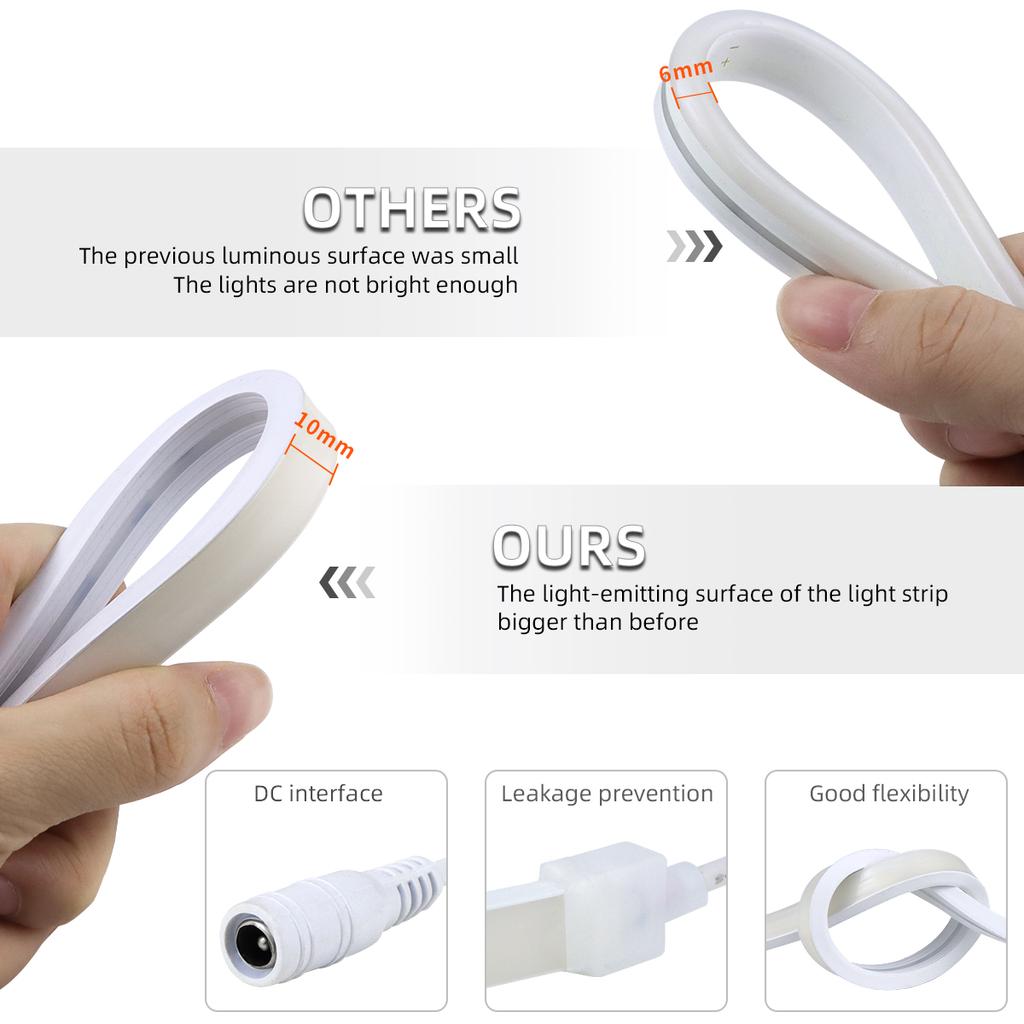
Size: 11MM X 6MM
Material: pure silicone tube (fireproof and waterproof)
Power:9W/M
Waterproof: Waterproof IP67
Long life: >50,000 hours
Features:
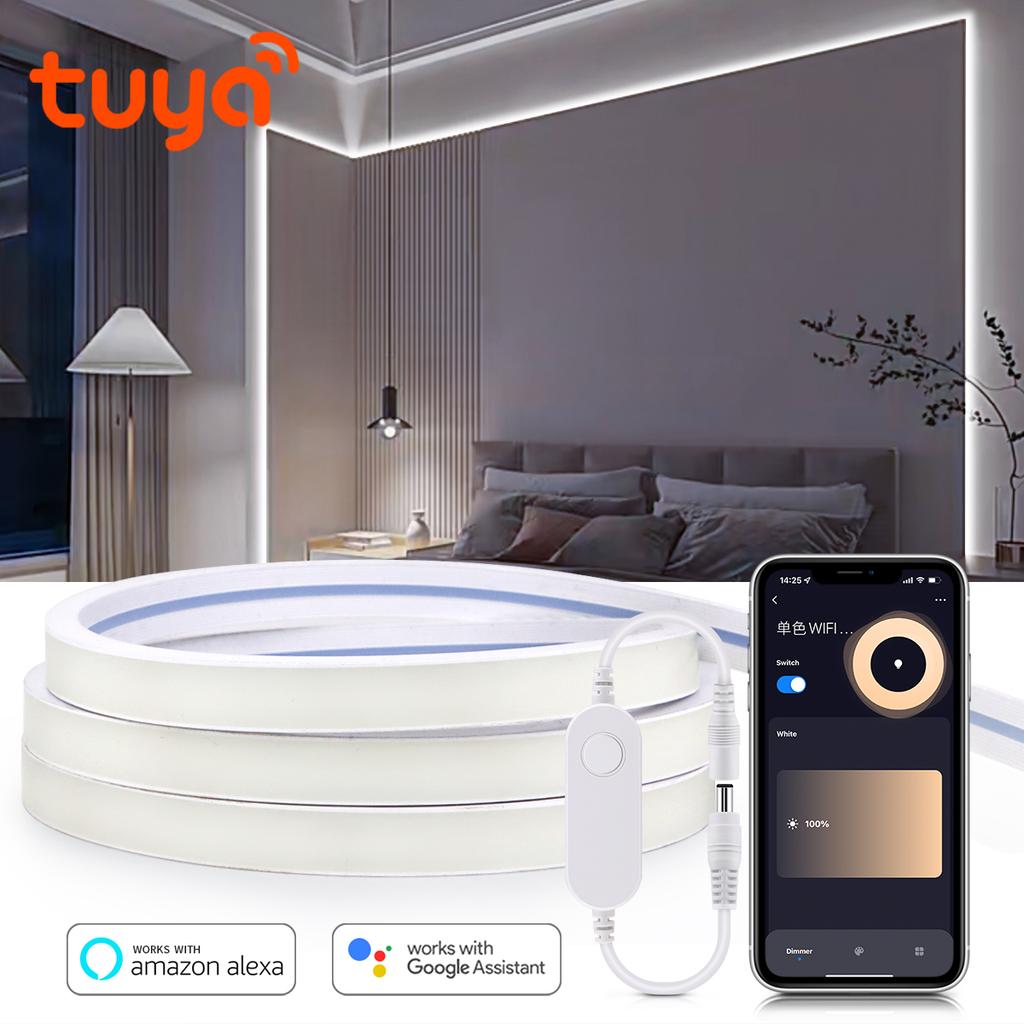
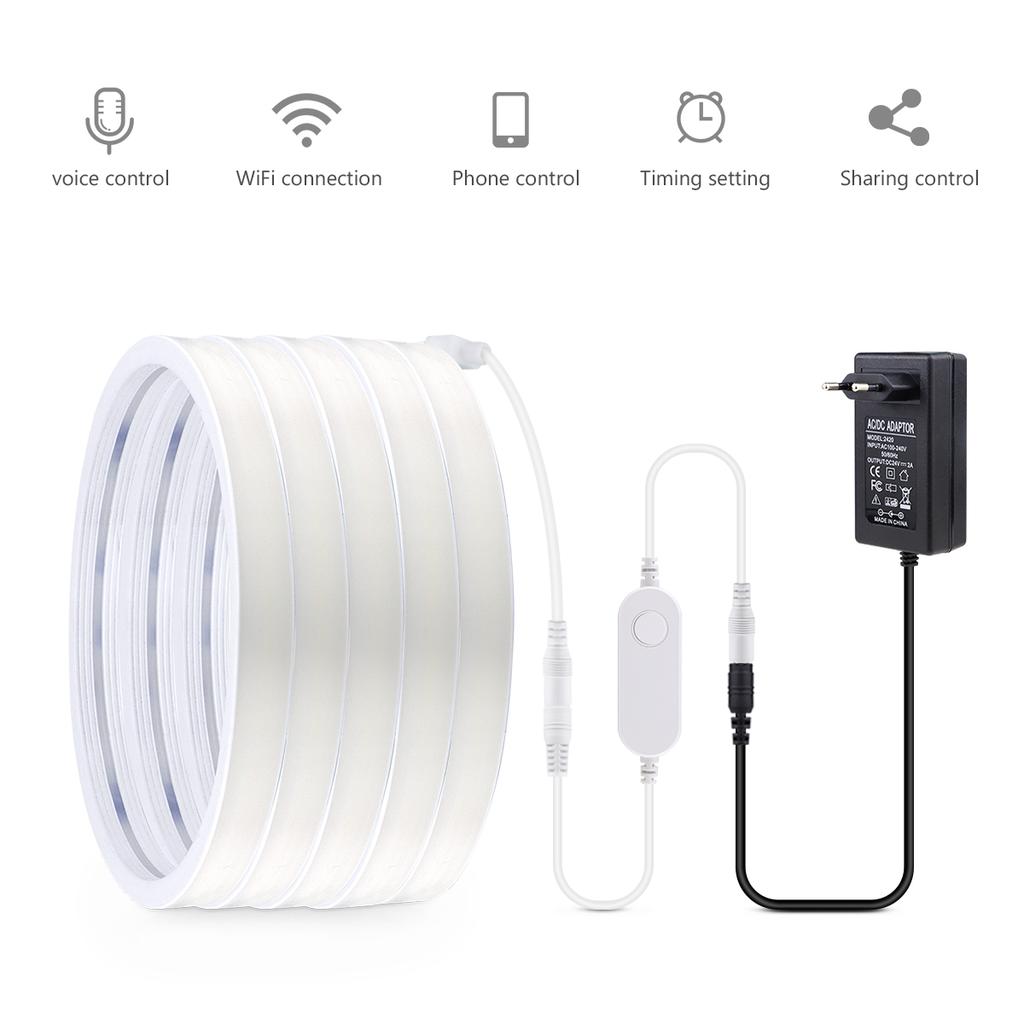
【Remote Control】 Even you are not at home, you can control your smart led strip on/off with your phone via Tuya or Smart Life App. Easily set schedule for your smart led strip. Customize your home light system, like setting lights to come on at dusk or turn off at sunrise. You can create a group for all of your smart led strip and control them all with just one command. Works with 2.4GHz Wi-Fi network.
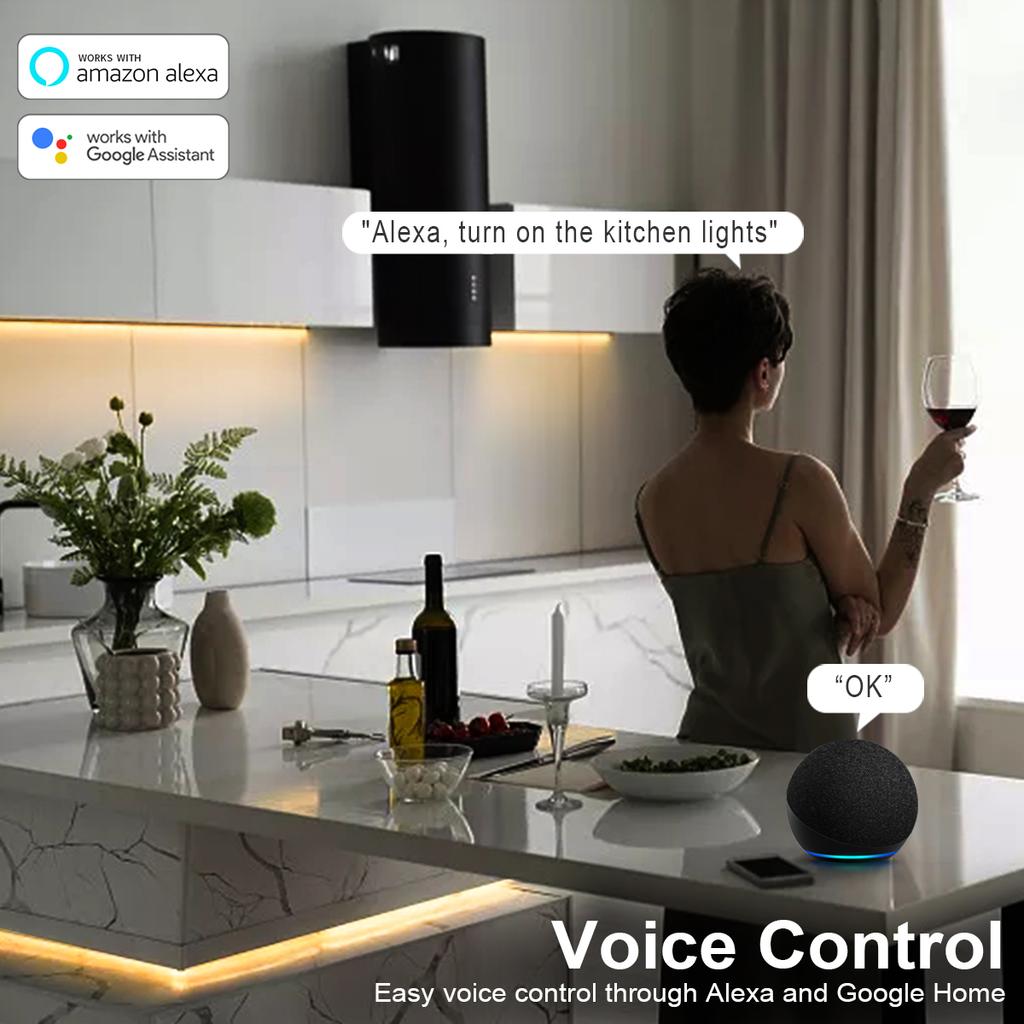
【Voi Control】 Control your smart led strip via your voi with Google Assistant . Just give a voi command to turn on/off or dim/brighten your light, No hub required and easy to install. No need subscription.
【Energy Saving&Wide Usage】With LED technology, Save your electricity charge with est lighting technology. This bulb can be used on anywhere you need colorful light such as home indoorlighting, hotel, meeting room, museum, restaurants, bar, cafe, holiday
Know about Tuya APP
Step 1: Search "Tuya" or "Smart Life "on Phone to download it.
Step 2: Connect the bulb to your local 2.4G WIFI with your phone connecting to it.
Step 3: Set up your Tuya account. Add Devi>Lighting devis and confirm the devi in the App.
Step 4: Easy Mode or AP Mode(Press on/off button of the devi 5 times)
Tips--App
Be sure that you are using 2.4GHz WiFi when connecting with the smart bulb. And WiFi must be detectable status. Many routers have 5 GHz and 2.4 GHz network and your phone will always automatically connect to the 5 GHz network. So, you have to completely turn off your 5 GHz network by going to your router settings (enter the router IP address into your internet browser, usually something like 192.168.1.1), forcing your phone to connect to the 2.4 GHz network.
In addition, the router encryption mode must be WPA2-PSK type and the authentication type must be AES.
Voltage: 180–260 V




 Teslim edilmediğinde para iadesi