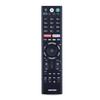
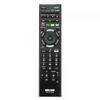
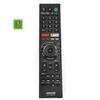
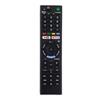
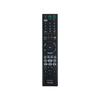
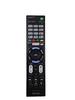
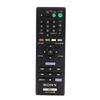
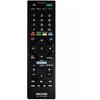
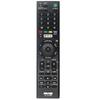
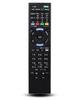
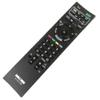
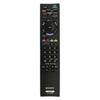
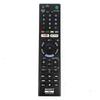
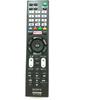
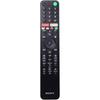
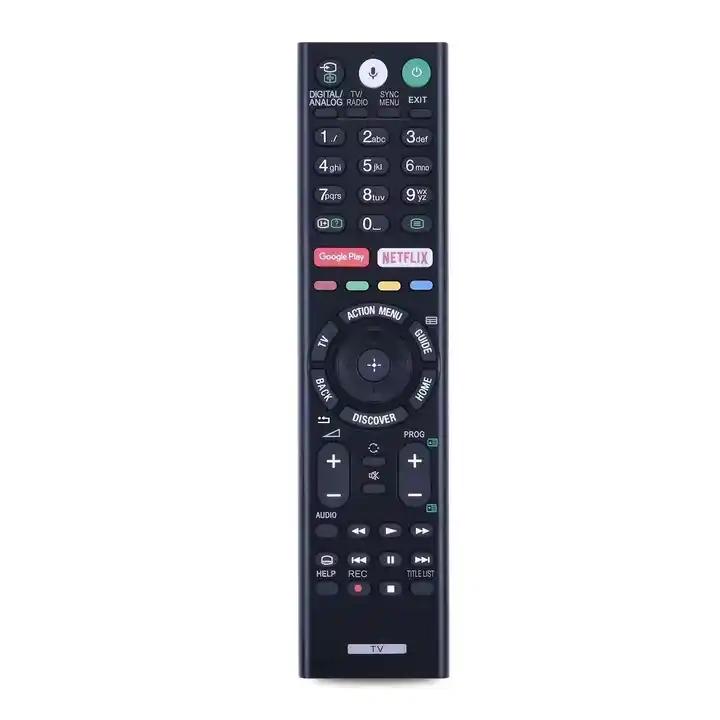
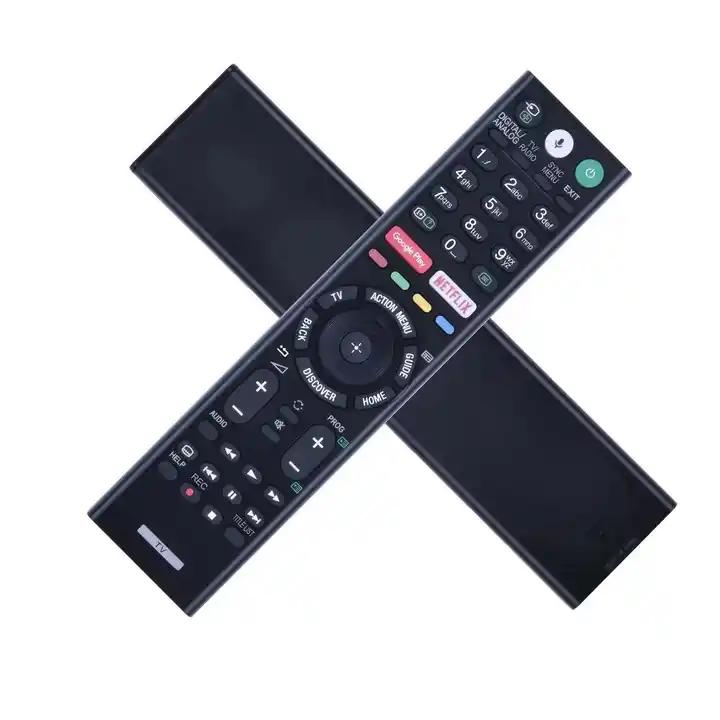
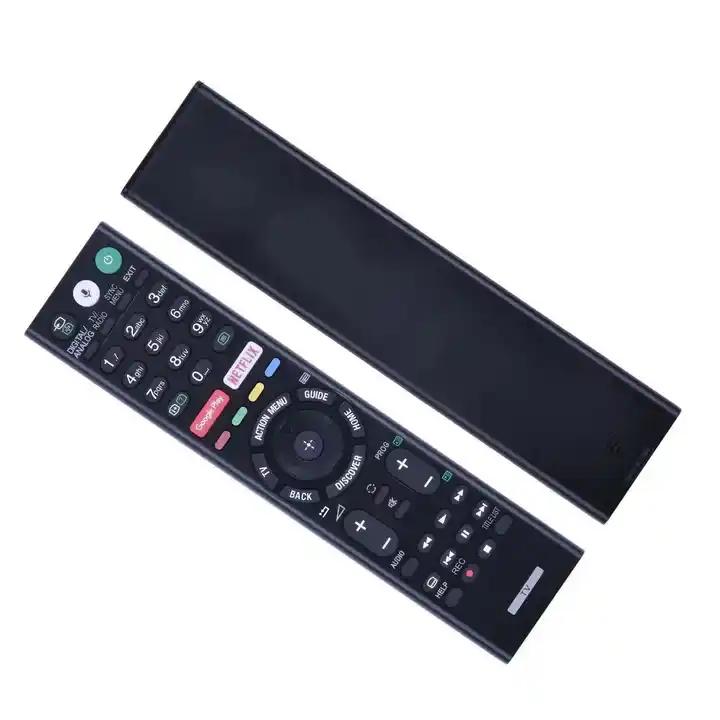
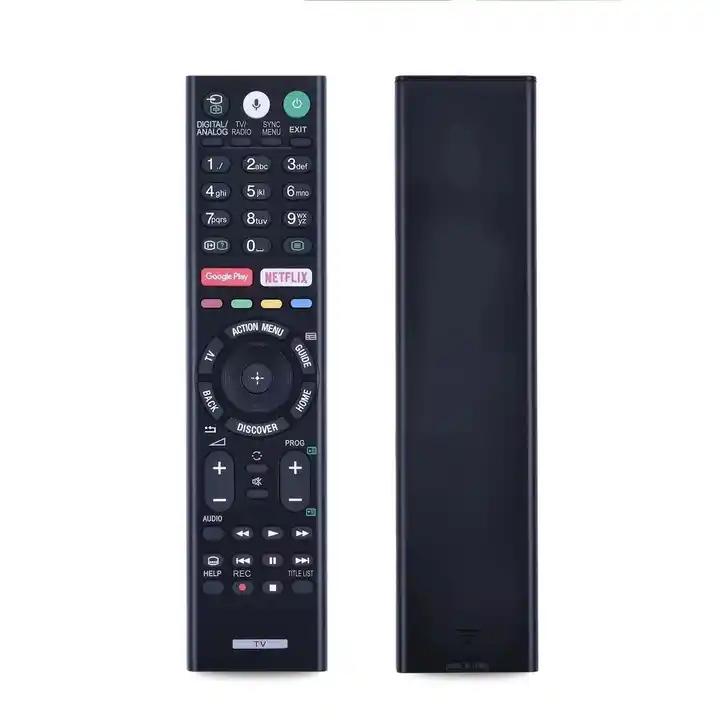
replacement remote control FOR Sony Bravia RMF-TX310E TV✅ replacement remote control: RMF-TX310ERMF-TX200ERMF-TX201ERMF-TX201ESRMF-TX220E RMF-TX221ESRMF-TX300ERMF-TX300URMF-TX301ERMF-TX310PRMF-TX311E ✅ advantages:Remote control intuitive, comfortable to use and solidVoice functionsSmooth edgesWear-resistant keysPremium product - equal to the originalDirect buttons for Netflix and Google applications PlayContains all the functions and keys of the original remote controlReady to operate immediately after inserting the batteries, no programming requiredDoes not have an unpleasant odor, unlike other replacement remote controls Advantages:✅ exceptional quality The materials used are of the highest quality, guaranteeing durability and reliability in use. The keys are resistant to wear.✅ Ease of use The remote control is ready to use immediately after inserting the batteries, without the need for programming. Multiple keys make it easy to operate all the TV's functions. Compatible TV Models:Sony Bravia LED LCD TV FW Series: FW-43XE8001, FW-49XE8001, FW-55XE8001Sony Bravia LED LCD TV Series KD:KD-43XG8196, KD-43XF7596, KD-43XF8596, KD-43XE8004, KD-43XE8005, KD-43XE8077, KD-43XE808, KD-43XE8096, KD-43XE8099, KD-43XE8396, KD-43XF8096, KD-43XF8505, KD-43XF8577, KD-43XF8588, KD-43XF8599, KD-43XF8796, KD-43XE8088, KD-43X750F, KD-49XE8004, KD-49XE8005, KD-49XE8077, KD-49XE8088, KD-49XE8096, KD-49XE8099, KD-49XE8396, KD-49XF8505, KD-49XF8577, KD-49XF8588, KD-49XF8596, KD-49XF8599, KD-49XF8796, KD-49XF7596, KD-49XF9005, KD-49XG8396, KD-49X750F, KD-49XF8096, KD-49XG8096, KD-55XE8396, KD-55XF7596, KD-55XF8096, KD-55XF8505, KD-55XF8577, KD-55XF8588, KD-55XF8596, KD-55X751F, KD-55X755F, KD-55X757F, KD-55X750F, KD-55XF8599, KD-55XF8796, KD-55A8G, KD-55AF9, KD-55X7500F, KD-55XF9005, KD-60XF8305, KD-65XF8505, KD-65XF8577, KD-65XF8588, KD-65XF8596, KD-65XF8599, KD-65XF9005, KD-65X750F, KD-65X755F, KD-65X757F, KD-65AF9, KD-65XF7596, KD-65XG8096, KD-70XF8305, KD-75X780F, KD-75XF8596, KD-75XF9005, KD-85XF8596Sony Bravia LED LCD TV KDL Series: KDL-43WF804, KDL-43WF805, KDL-49WF804, KDL-49WF805Sony Bravia LED LCD TV XBR Series: XBR-43X800G, XBR-49X800G, XBR-49X900F, XBR-49X850F, XBR-55X900F, XBR-55A8G, XBR-55X850F, XBR-55X800G, XBR-65X900F, XBR-60X830F, XBR-70X830F, XBR-75X850F, XBR-75X800G, XBR-85X800G, XBR-85X850F, XBR-85X855F, XBR-85X900FAnd many more... Instructions for Pairing the Remote Control with the TV:1. Turning on the TV and Preparing the Remote Control:Turn on the TV.Insert new batteries in the remote control.Point the remote control at the TV.2. Accessing the TV Settings:Go to the TV settings.Search for options related to the remote control(s).3. Selecting Bluetooth Options:Select the "Connect via Bluetooth" option (make sure Bluetooth on your TV is turned on). 4. Initiating the Pairing Process:A message will appear on the TV screen.Select and press the "connect new remote" option.5. Activating Pairing on the Remote:Press and hold the volume down button (VOL-).While holding VOL-, additionally press the microphone button for approximately 3 seconds.Release both buttons. The connection process will begin.6. Confirming the Remote is Ready:Once pairing is complete, the remote will be ready for use.


 Teslim edilmediğinde para iadesi