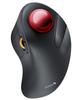
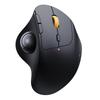
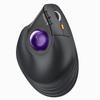
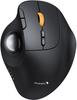
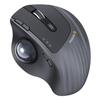
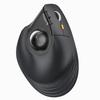
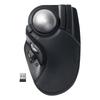
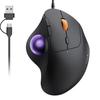
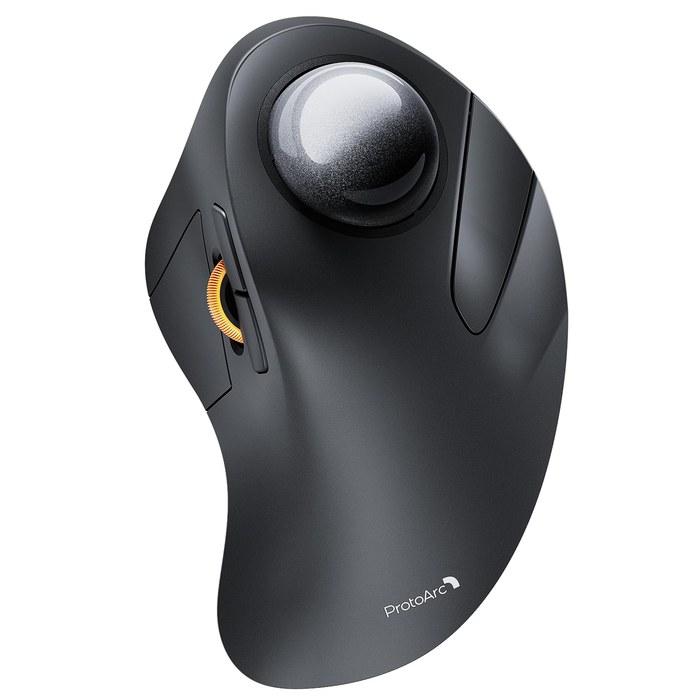
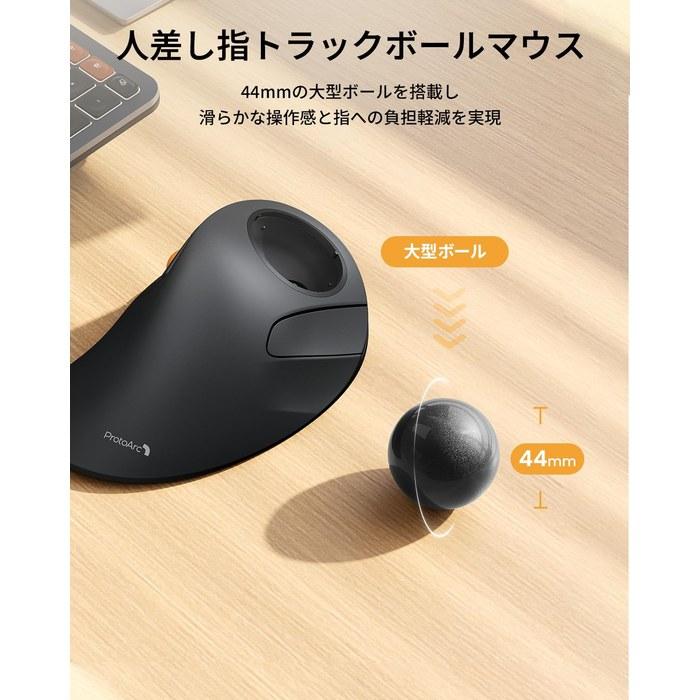
The ProtoArc EM03 is a trackball mouse particularly suited for users who prioritize reducing wrist strain and saving desk space. Operation using the index and middle fingers on the large 44mm ball provides a comfortable alternative for those unfamiliar with thumb-operated types or who desire more delicate control. The DPI is adjustable in five stages, from 200 to 1600, allowing for precise operation tailored to the task at hand. It can connect to up to three devices via a USB receiver and Bluetooth (2 channels), with quick switching using a button on the underside. It features a large-capacity 500mAh battery and achieves approximately 200-250 days of standby time with Type-C charging. The matte texture provides a pleasant feel, and the ball is easily removed for simple cleaning.
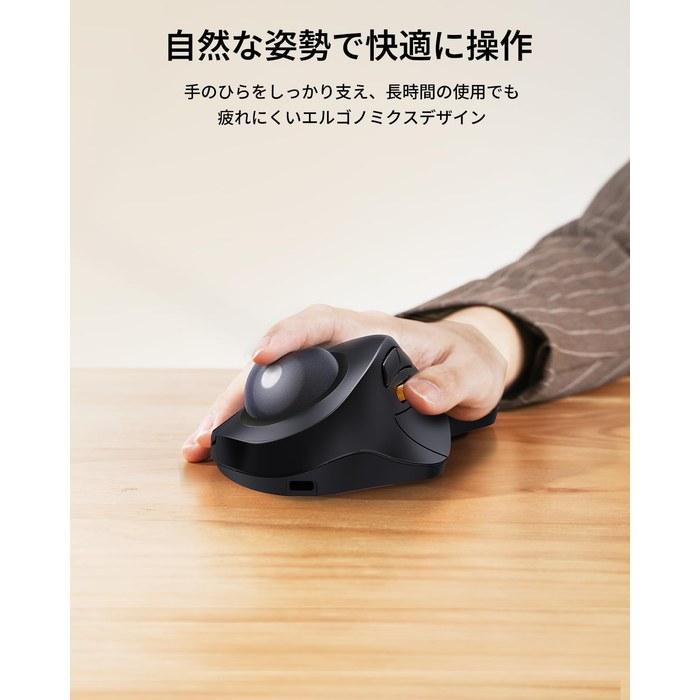
・📢📢📢Good news for those suffering from wrist pain!📢📢📢 The “enhanced” EM03 NL, which has received rave reviews from many users, is finally available. Unlike smaller ball mice like the EM01 NL and EM04, the ProtoArc EM03 NL is equipped with a large 44mm ball and is ideal for those with larger hands. The large ball is easy to roll, allowing operation with both the index and middle fingers, reducing strain on the fingers. If you suffer from conditions like tenosynovitis from prolonged mouse use, or are not accustomed to or unable to use a thumb-type mouse, the EM03 NL is for you. 🌈Excellent texture🌈 The matte finish feels like the top of an old Thinkpad, providing a comfortable user experience.
・🌈🌈🌈Connect to 3 devices🌈🌈🌈 This vertical trackball features a USB receiver and Bluetooth x 2, allowing simultaneous connection to three devices with multi-pairing functionality, and quick switching with a button on the back. It’s perfect for those using multiple devices or monitors simultaneously, easily switching connections with the press of a button. The connection status is easy to understand as the icon on the switch button flashes. It boasts a stable connection and is a Bluetooth mouse usable with systems such as Windows, Android, Mac OS, and iOS.
・🌈🌈👍️ 5 levels of DPI adjustment🌈🌈👍️ As with other ProtoArc mice, the DPI can be easily switched between 200→400→800→1200→1600, offering high operational accuracy and ease of use. It also has a large number of buttons for flexible operation. Compared to a conventional mouse, operation with the ball is smoother, and it is expected to significantly improve efficiency, especially when working with dual monitors. Recommended for 3D modelers, CAD operators, illustrators, and graphic designers. 【Please note that it may take several days to several weeks to get used to a trackball mouse, depending on the individual.】 Of course, once you get used to a trackball mouse, you’ll find it much more comfortable than a regular mouse.
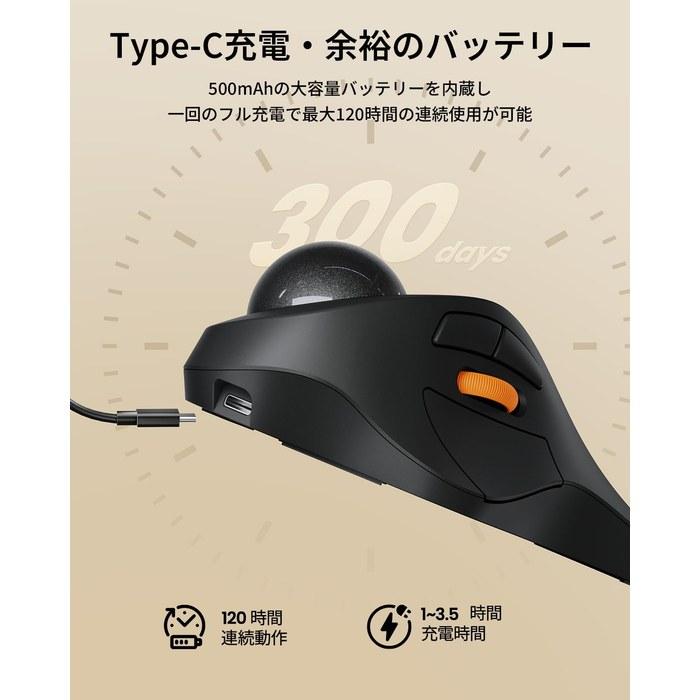
・🌈🌈🌈Rechargeable and Eco-Friendly🌈🌈🌈 This wireless trackball mouse is eco-friendly and environmentally conscious as it does not require batteries. It is equipped with a durable, high-capacity 500mAh battery, and a full charge (approximately 1-3.5 hours with the included charging cable) allows for 120 hours of continuous use and 300 days of standby time. Fewer charges are required, eliminating the need to frequently replace batteries, making it kind to your wallet and the environment. It also features a power-saving mode that puts it to sleep when not in use. 【※Note: Usage time is calculated based on 8 hours of PC use per day with approximately 25% mouse operation.】
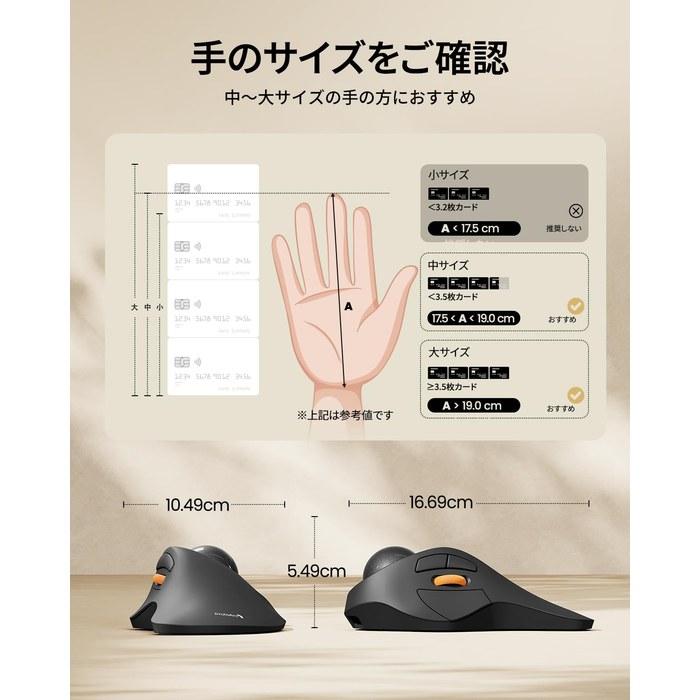
・🌈🌈🌈Space-Saving🌈🌈🌈 Not only does the ball move smoothly, but you don’t need to move the trackball mouse body on your desk, resulting in a dramatically smaller footprint. Its wireless design also makes it highly portable. It’s a far cry from a wired mouse – you can operate your computer comfortably on your desk, sofa, or even in bed or a kotatsu, and you don’t need a mousepad. 【Size Note】 The EM03 is designed for those with larger hands due to its large trackball. If you find the ProtoArc EM01NL or EM04 to be small, we recommend the EM03. 🎍🎍Easy to Clean🎍🎍 You can easily remove and clean the ball without needing tools like cotton swabs.
・🌈🌈🌈Recommended for🌈🌈🌈 ➊. Those suffering from tenosynovitis or wrist pain. ➋. Those who experience fatigue from prolonged mouse use. ➌. Those who are not accustomed to thumb-type trackball mice. ➍. Those with relatively large hands. ➎. Those with limited desk space. ➏. Those who switch between multiple devices. ❼. 3D modelers, CAD operators, illustrators, and graphic designers.
【Voltage Compatibility】
When using electrical appliances, please note that they are designed for Japanese voltage specifications (90-110V), so if you use them with a different voltage, it may cause a malfunction.
【Plug Type】
Our products use Japanese plug types (A or B type).
Please use a conversion adapter if necessary.
【Important Note on Transformers and Adapters】
A transformer adjusts voltage to match your device's requirements.
A conversion adapter only changes the plug shape and does not adjust voltage.
Using only a conversion adapter without a transformer may result in damage to the product.
【Liability】
We are not responsible for malfunctions or damages caused by improper use, such as operating the product without a transformer.




 Teslim edilmediğinde para iadesi